

Cyber attacks happen to businesses of all sizes every single day
Many small business owners believe they are too small to be a target
This is a dangerous way to think about your digital assets
Hackers often use automated software to scan the internet for any vulnerability
They do not care about the name of your company or what you sell
They only care about finding a way into your system to steal data or hold it for ransom
Protecting your business does not have to be a complicated or expensive process
You can take simple steps right now to make your network much harder to crack
WorldWise is here to help you navigate these technical challenges with ease
You can learn more about our general approach at worldwise.net
Following these five steps will give you a solid foundation for your digital security
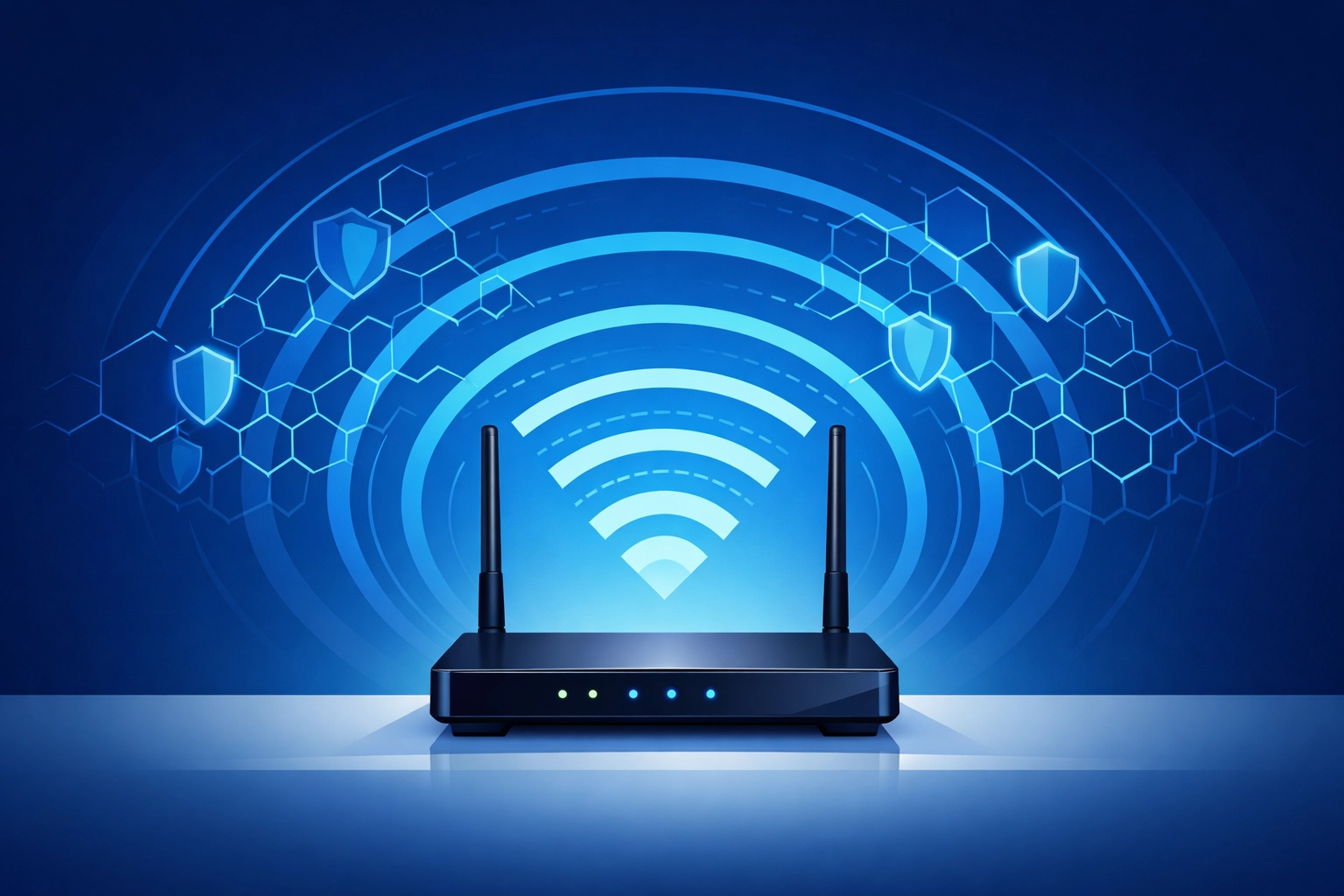
1. Secure Your Wi-Fi and Enable Network Encryption
Your wireless network is the most common entry point for local intruders
If your Wi-Fi is not secured anyone sitting in the parking lot can access your files
The first thing you must do is enable network encryption on your router
Encryption scrambles the data being sent over the air so that unauthorized people cannot read it
You should use the WPA3 security standard if your hardware supports it
If your router is older you should at least use WPA2
Never use WEP because it is outdated and very easy for hackers to bypass
You also need to change the default Service Set Identifier which is the name of your network
Using the default name tells a hacker exactly what brand of router you are using
They can then look up the default administrator password and log in immediately
Pick a name that does not identify your business or your location
We also suggest setting up a guest network for visitors
A guest network keeps your internal business files separate from the internet access you give to customers
This prevents a guest from accidentally or intentionally browsing your private servers
2. Implement Strong Password Policies and Multi-Factor Authentication
Weak passwords are the leading cause of successful data breaches
Many employees use simple words or phrases that are easy to guess
We suggest a password policy that requires at least 14 characters
Length is actually more important than complexity when it comes to modern hacking tools
A long phrase is much harder for a computer to guess than a short word with a few symbols
You should also tell your team never to reuse passwords across different accounts
If one site gets hacked the criminals will try that same password on every other site
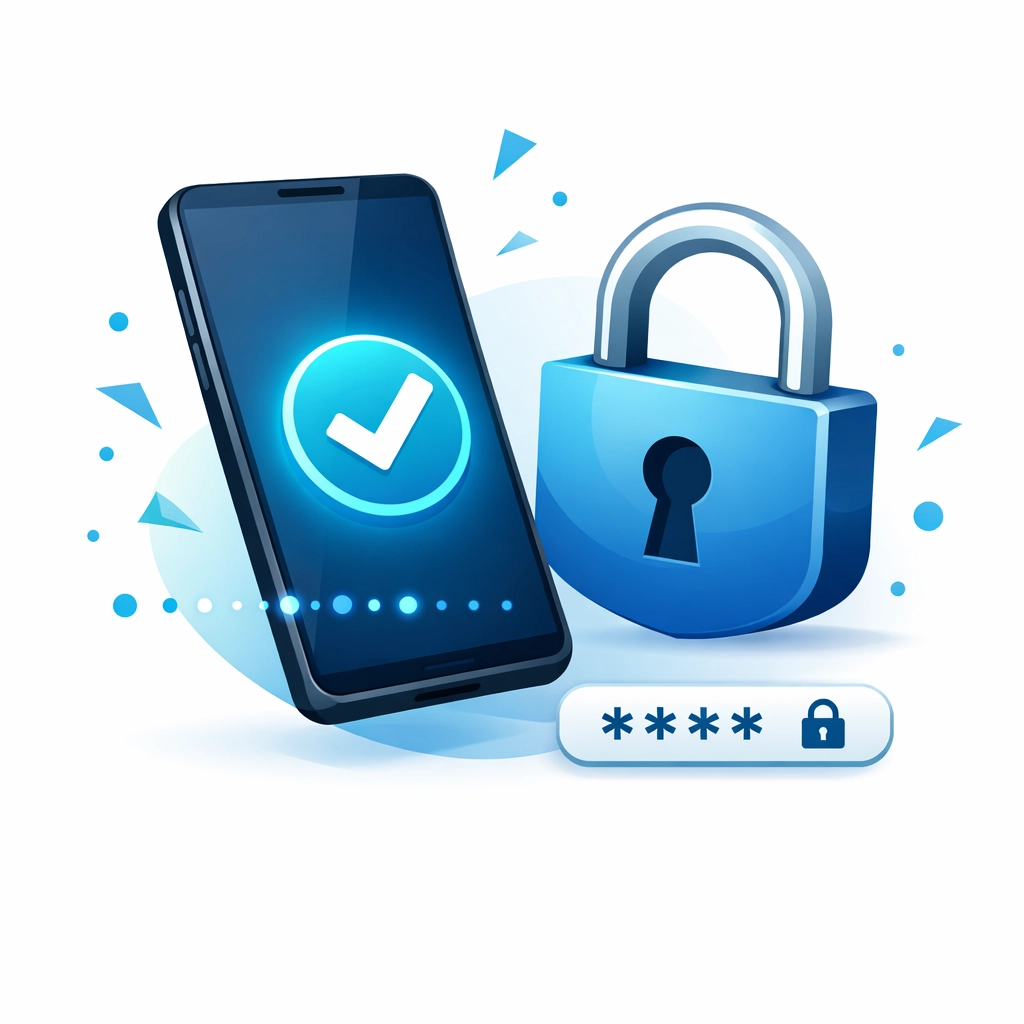
Multi-factor authentication or MFA is your best tool for stopping unauthorized access
MFA requires a second form of verification like a text code or an app notification
Even if a hacker steals a password they cannot get into the account without that second step
You should require MFA for every single business account especially email and banking
This single step can block over 99 percent of automated attacks
For more help with your digital infrastructure check out worldwise.net/web-hosting.php
3. Keep All Software and Systems Updated
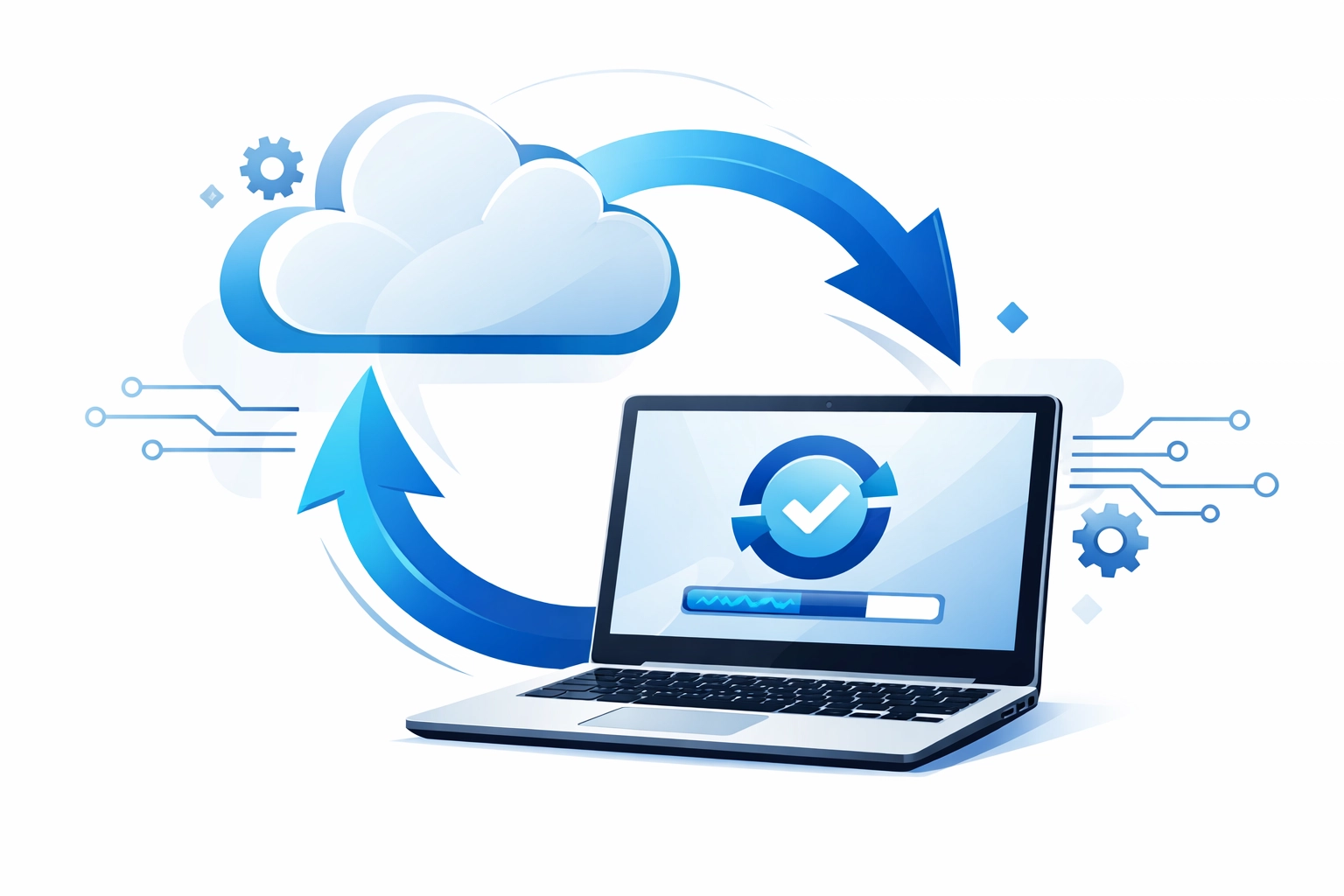
Software developers constantly find new security holes in their programs
When they find a hole they release a patch to fix it
If you do not install the update the hole stays open for hackers to walk through
This applies to everything from your operating system to your web browser
Hackers actively look for businesses running old versions of software
They know these versions have known vulnerabilities that they can exploit easily
You should turn on automatic updates for all devices in your office
This includes laptops and tablets and even your office printer
Do not forget about your router and firewall firmware
These devices often go months or years without being updated
An outdated router is a major security risk because it sits at the edge of your network
We offer comprehensive support for these types of technical needs at worldwise.net/computer-support.php
Keeping your systems current is a simple way to stay ahead of most cyber threats
4. Deploy Firewalls and Professional Antivirus Software
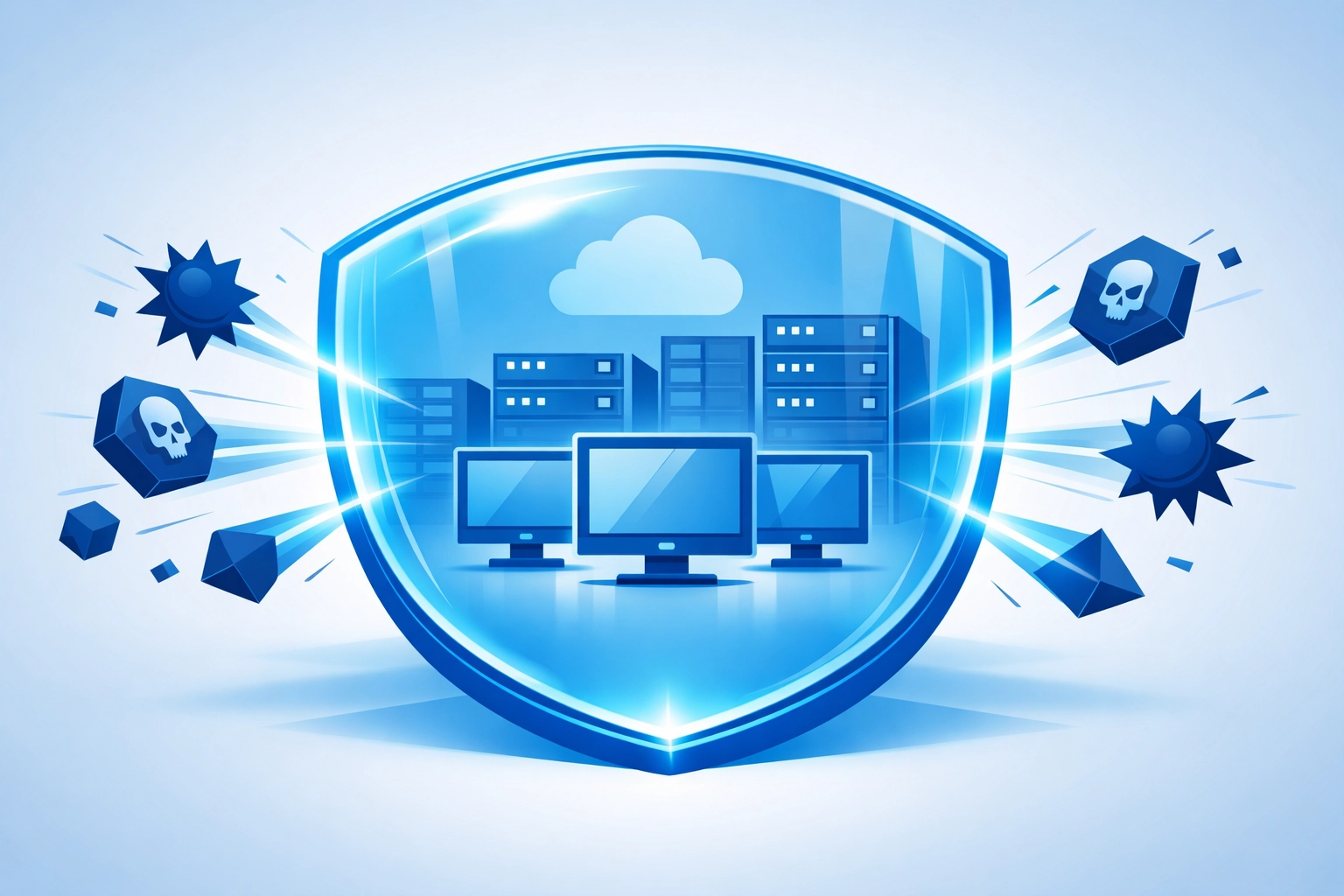
A firewall is a barrier between your internal network and the outside internet
It monitors all traffic coming in and going out of your system
It is designed to block unauthorized traffic and suspicious activity
Most modern routers have a basic firewall built in but you should ensure it is active
For better protection we suggest using a dedicated hardware firewall
This gives you more control over what happens on your network
You also need high-quality antivirus software on every computer and server
Free antivirus programs are usually not enough for a business environment
Business-grade antivirus offers better protection against ransomware and phishing
It also allows you to manage all your devices from one central dashboard
This way you can see immediately if a specific machine has a problem
If you are worried about how your website handles security visit worldwise.net/web-design.php
Layered security is the best way to keep your data safe from evolving threats
5. Train Your Employees and Use a VPN for Remote Work
The human element is often the weakest link in any security plan
Even the best firewall cannot stop an employee from clicking a bad link
Phishing is when a hacker sends an email that looks like it comes from a trusted source
They want your staff to give up their login credentials or download a virus
You must train your team to recognize these common scams
Tell them to look for weird email addresses and urgent requests for money or info
Employees should never download attachments from people they do not know
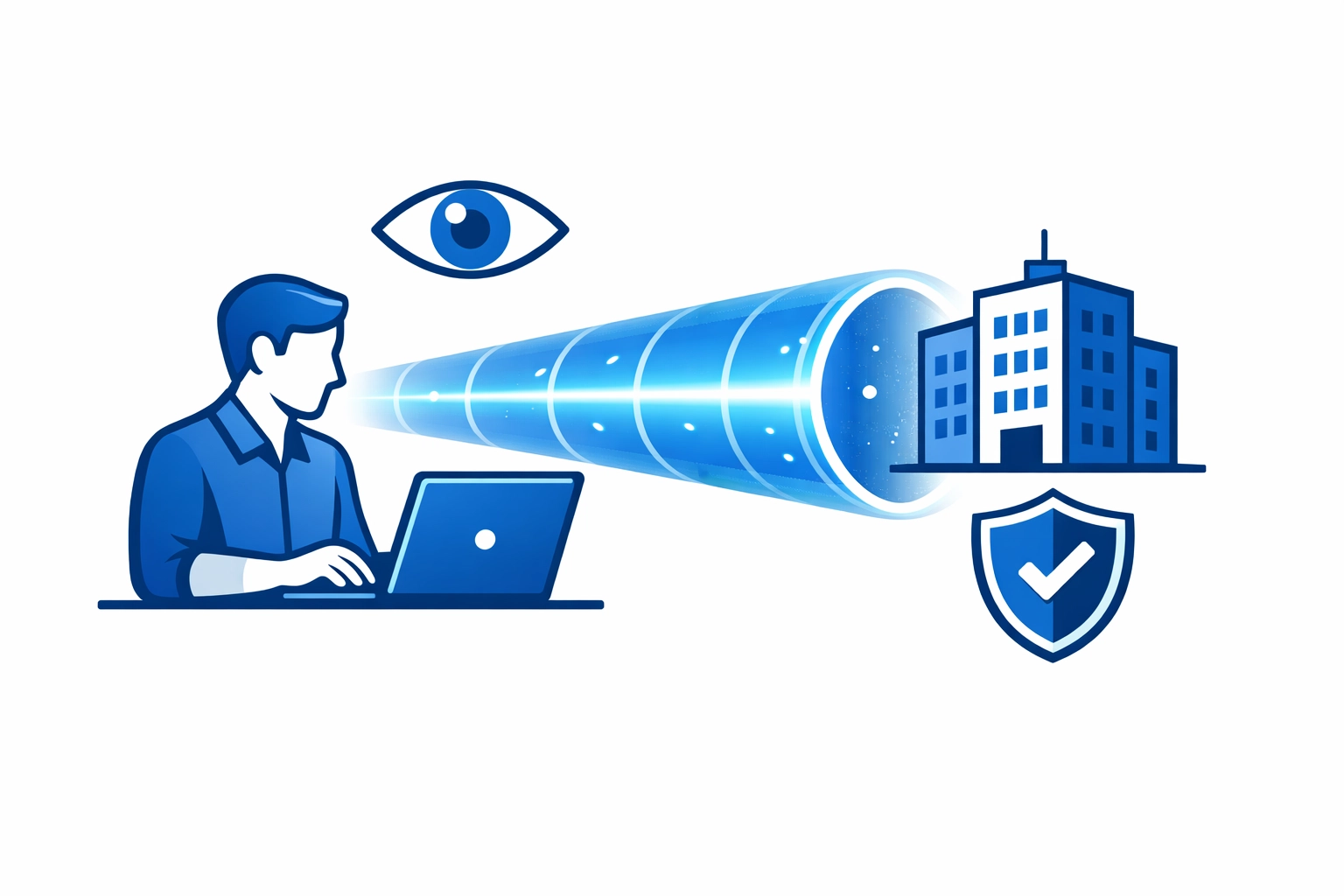
If your team works from home they must use a Virtual Private Network or VPN
A VPN creates a secure tunnel for data to travel through
It prevents people on public or home networks from seeing your business traffic
This is essential for maintaining privacy when working away from the office
You can find more advice on business strategy and planning at worldwise.net/strategy.php
Educating your staff is a low-cost way to significantly improve your security posture
Take Action to Protect Your Business Today
Security is not a one-time project that you can finish and forget
It is an ongoing process that requires regular attention and care
Cyber threats change every day and your defense must change with them
The five steps we discussed are the most effective ways to start
Start by checking your Wi-Fi settings and your password requirements
Then move on to setting up MFA and checking for software updates
If you feel overwhelmed by these technical tasks you are not alone
Many small business owners prefer to focus on their customers rather than their servers
WorldWise can take these worries off your plate with our professional support services
We have the experience to secure your network and keep your data safe
Do not wait for a breach to happen before you take action
The cost of prevention is always lower than the cost of a data breach
If you are ready to get started you can reach out to us at worldwise.net/get-started-min.php
You can also find all our contact information at worldwise.net/contact.php
We look forward to helping you build a safer and more secure business network