
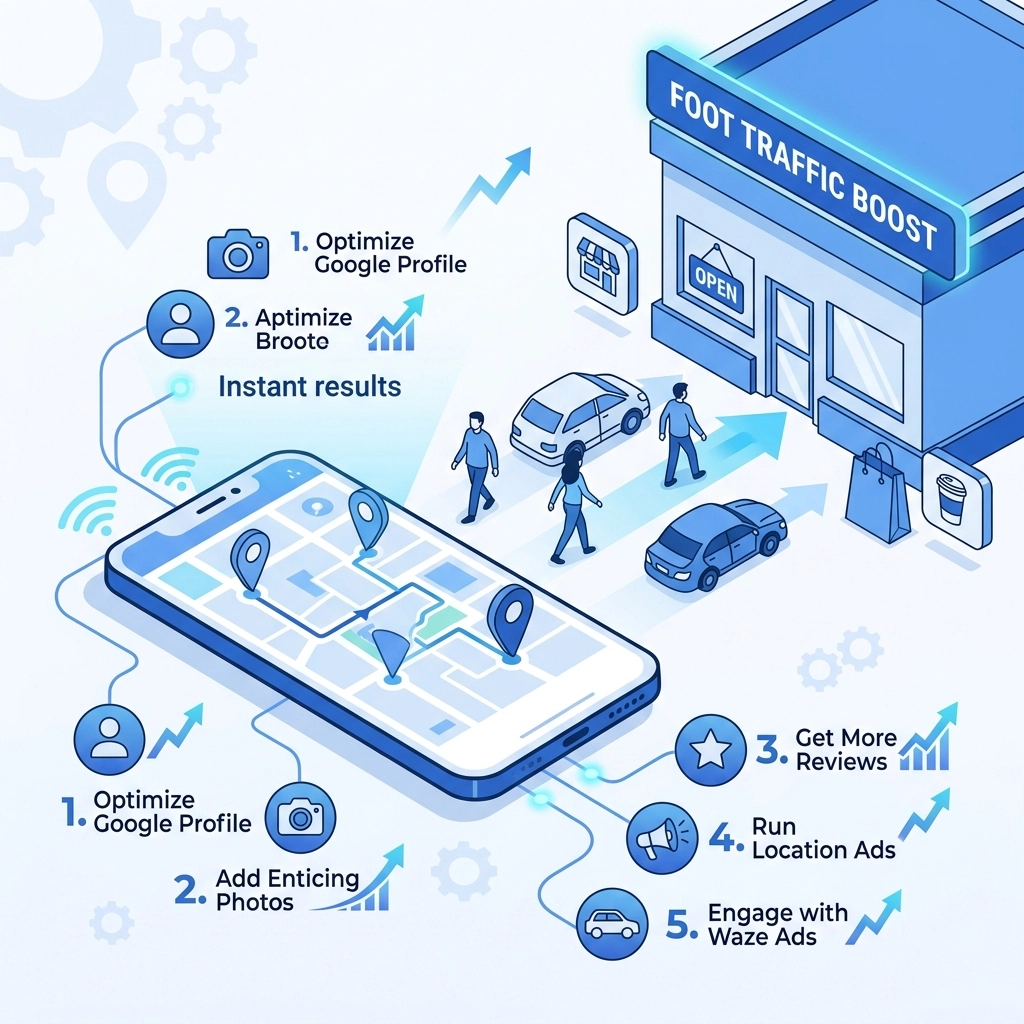

Navigation apps are the primary way people find physical businesses today. If your store is not visible on Google Maps or Waze you are losing customers to competitors who are. Most business owners think having a basic listing is enough. It is not. You need active strategies to pull drivers off the road and into your doors. This guide covers five specific tactics to increase your foot traffic using location-based advertising and optimization
1. Utilize Waze Takeover Ads for Captive Drivers
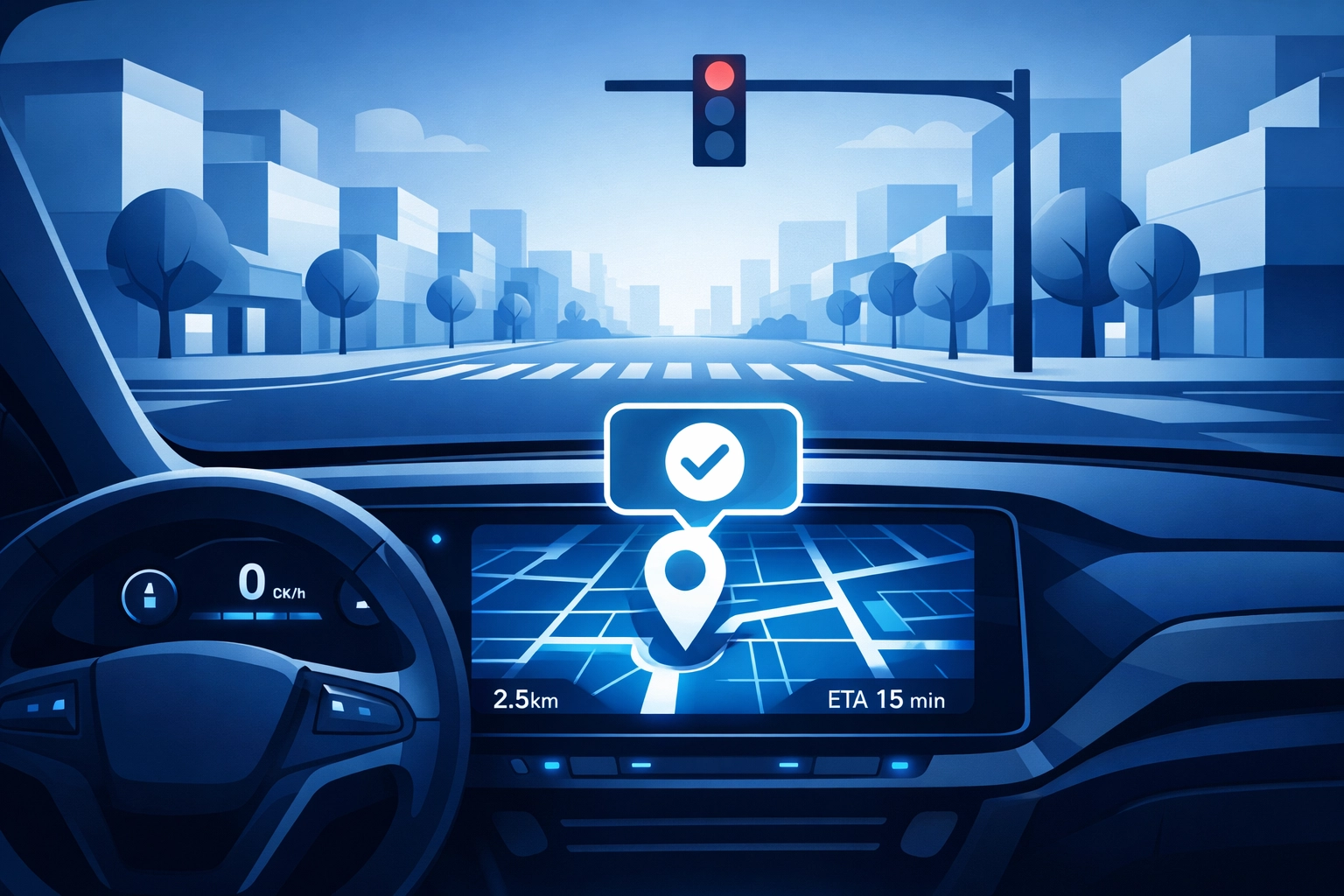
Waze is different from other map apps because it is a social navigation tool. Users are often more engaged with the interface. Waze Takeover ads appear when a driver comes to a complete stop for at least three seconds. This is a prime opportunity to show your brand to someone who is literally sitting in their car near your location
These ads act like digital billboards that only appear when it is safe to read them. You can include a call-to-action like "Drive There" or "Save for Later" which allows the user to reroute to your business with one tap. This is highly effective for quick-service restaurants, coffee shops, and retail stores where a driver might make an impulsive decision to stop
To make this work you need a clear offer. Use high-contrast images and very little text. A driver only has a few seconds before the light turns green. Mention a specific deal like "Half off coffee" or "Flash sale today" to give them a reason to turn the steering wheel
2. Bid on Google Maps Search Ads
Google Maps is the first place people go when they need something "near me" right now. When a user searches for "hardware store" or "dentist" Google displays a list of local results. You can pay to appear at the very top of that list through Google Maps Search Ads. These ads look almost exactly like organic results but have a small "Ad" label
This is intent-based marketing at its most effective. The user is telling you exactly what they want and where they are. If your ad appears first with a high star rating and a "Call" or "Directions" button you will win the click. You can manage these through your Google Ads dashboard by enabling location extensions
Focus on your marketing strategy by choosing keywords that indicate high local intent. Do not just bid on "shoes" if you own a shoe store. Bid on "shoe store near me" or "buy running shoes today" to ensure you are reaching people ready to visit a physical location
3. Stand Out with Promoted Pins
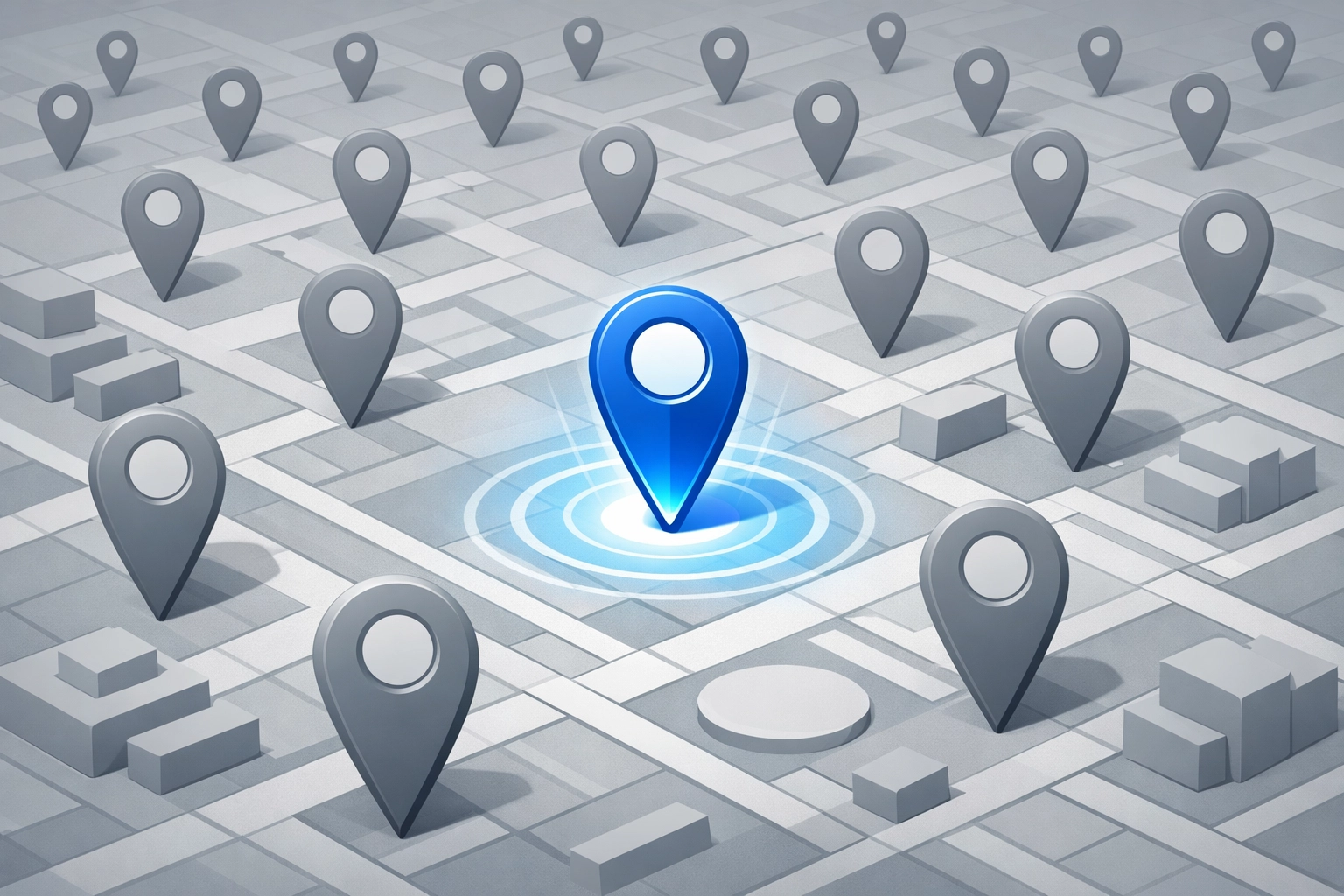
Standard pins on Google Maps are small and easy to miss. Promoted Pins allow your business icon to stand out with your actual logo or a branded square on the map interface. Even if a user is not searching for your specific category they will see your logo as they navigate through the area
This builds brand familiarity. If someone sees your logo every day on their commute they are more likely to think of you when they finally need your service. On Waze these are called Branded Pins. They act as a constant reminder of your physical presence. This is a long-term play for foot traffic that relies on visual repetition
For businesses with multiple locations this is essential. It ensures that your footprint is visible across the entire map regardless of search queries. You can find more about how we handle these technical setups on our digital marketing page
4. Set Up Paid Search Location Extensions
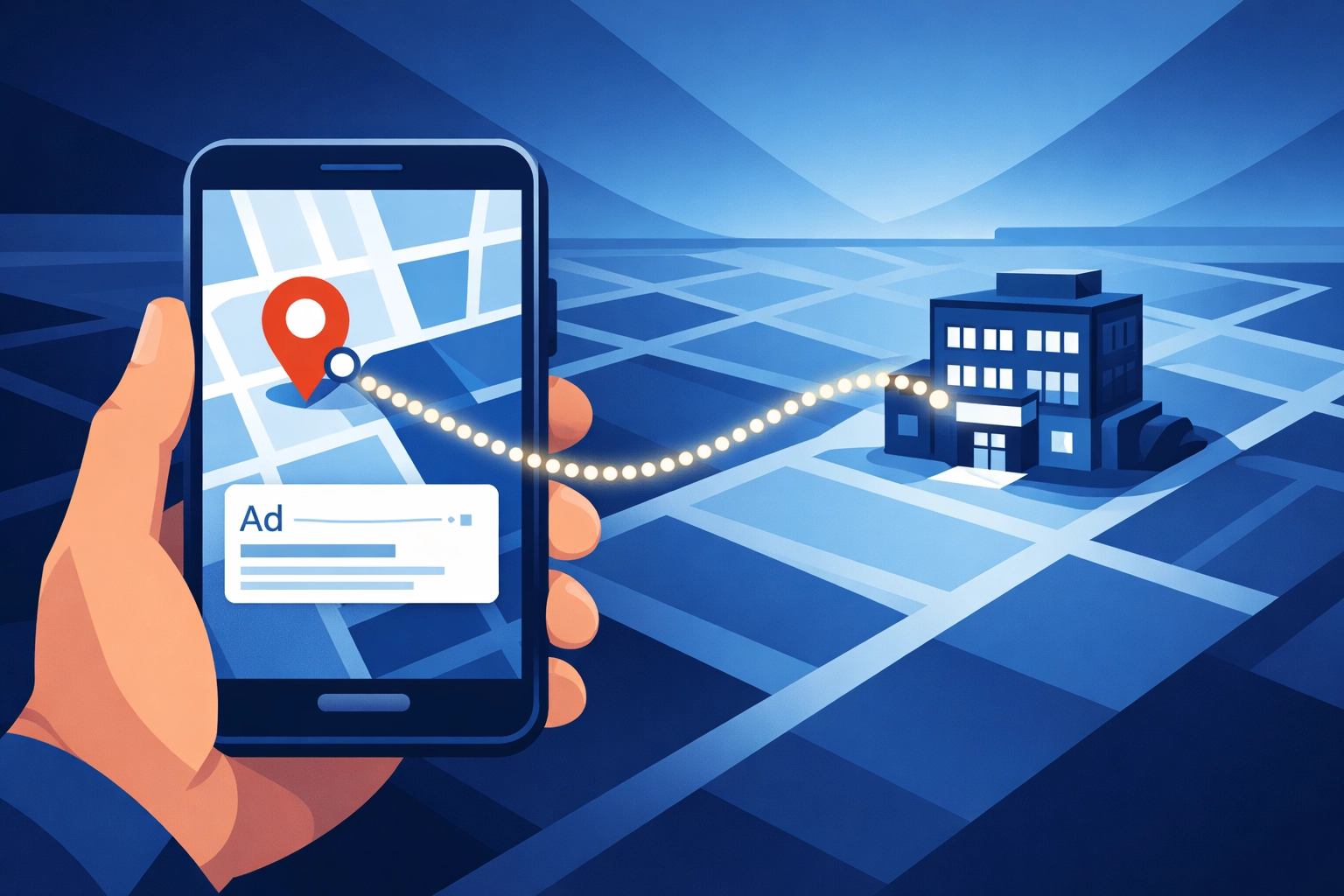
Location extensions are a technical bridge between your Google Ads and your Google Business Profile. When you enable these your ads will show your business address, phone number, and a map marker. It can even show the distance from the user to your front door
This removes friction. If a user sees your ad and knows you are only 0.2 miles away they are much more likely to visit. Without this extension they have to click your ad, find your contact page, and then manually type your address into their GPS. Most people will not do that. They will just click the next result that has the directions already visible
Make sure your Google Business Profile is fully updated before you turn this on. If your hours are wrong or your phone number is disconnected you are paying for clicks that lead to a bad customer experience. We recommend checking your profile at least once a week for accuracy
5. Deploy Geofencing with Urgency-Based Messaging
Geofencing is a technology that creates a virtual boundary around a specific geographic area. When a mobile device enters that area you can trigger a specific ad or notification. This is one of the most powerful ways to steal foot traffic from competitors
You can set up a geofence around your competitor's parking lot. When a customer enters that lot they receive a notification on their phone with a better offer at your store. This is called geo-conquesting. It is aggressive but highly effective for increasing foot traffic instantly
The key to geofencing is urgency. Your message should say "Valid for the next 60 minutes only" or "Show this notification for a free gift" to force an immediate action. If the offer is evergreen they will put it in their pocket and forget about it. If the offer expires soon they will drive to you now
Optimize Your Digital Presence First
You cannot run successful map ads if your website is slow or broken. Many people will click through to your site to check your menu or services before they drive over. If your site does not load they will assume your business is closed or unprofessional
Check your web design to ensure it is mobile-friendly. A mobile user on a map app needs big buttons and fast load times. If you need help updating your site to handle this new traffic you can see our portfolio for examples of high-performance local business sites
Managing the Technical Setup
Setting up these 5 tips requires access to Google Ads, Waze Ads Manager, and your Google Business Profile. It can be overwhelming if you have never done it before. You need to ensure your conversion tracking is set up correctly so you know exactly how many people clicked for directions vs just viewed the ad
If you are seeing a "File not found" error on your current strategy or if your ads are not showing up correctly it is usually a syncing issue between your platforms. We suggest starting small with one platform like Google Maps and then expanding to Waze once you see a positive return on investment
For a detailed look at how to structure these campaigns you can download our Capabilities Statement which outlines our approach to digital and local marketing
Final Steps to Boost Traffic
- Verify your Google Business Profile and ensure hours and phone numbers are 100% accurate
- Link your Google Ads account to your Business Profile to enable location extensions
- Create a Waze Ads account and set a small daily budget for Branded Pins
- Develop a "hook" offer that is only available for people who mention the ad
- Monitor your "Direction Requests" in your map insights to measure success
Increasing foot traffic is a math problem. The more visible you are to local drivers the more likely you are to get customers. These 5 tips provide the visibility you need to grow in 2026
If you want us to handle the setup for you or if you need a support team to manage your ads you can get started here or contact us directly to discuss your specific needs
We focus on results that you can see at your cash register. Map advertising is one of the fastest ways to achieve that goal without waiting months for organic SEO to kick in. Start your first map campaign today and watch the traffic increase immediately