
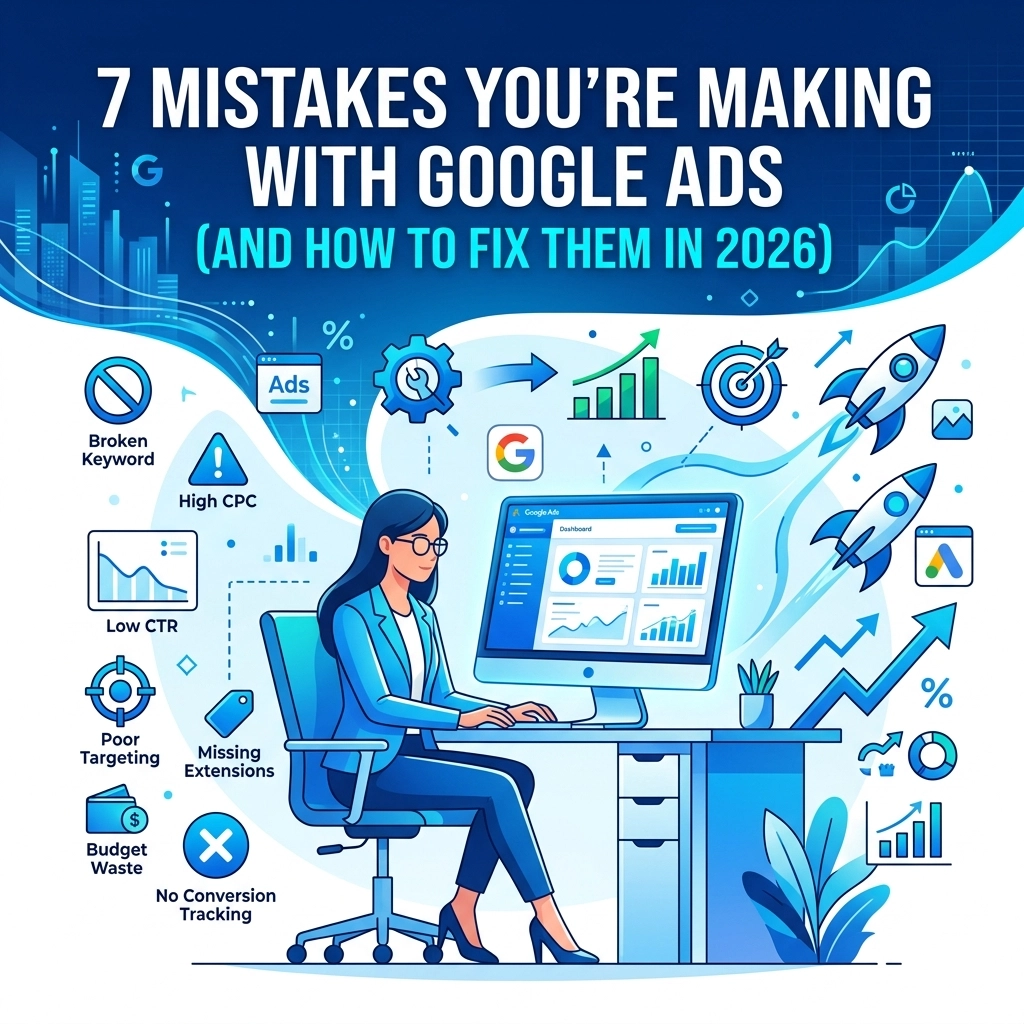

Google Ads in 2026 is driven by machine learning and high-intent signals. Many businesses still use tactics from five years ago. This results in wasted budget and low-quality leads. You might think your campaigns are performing well because you see clicks. Clicks do not equal revenue. If your return on ad spend is stalling, you are likely making one of these common mistakes.
We have identified the top seven errors currently draining digital marketing budgets. We provide direct solutions to fix them immediately.
1. Tracking the Wrong Conversion Actions
Most advertisers track everything as a conversion. They count page views, button clicks, and newsletter signups as equal successes. This confuses the Google Ads algorithm. If you tell the system that a button click is a conversion, it will find more people who click buttons but never buy anything.
In 2026, conversion tracking must be high-quality. You need to track the end goal. This means actual form submissions or completed purchases.
The Fix:
Review your conversion settings in Google Ads. Categorize your primary actions as "Primary" and secondary actions as "Secondary" (Observation only). Use GA4 to verify that your data is accurate. If you need help setting up a better tracking foundation, look at our marketing services for a full audit

2. Using Broad Match Without Negative Keywords
Broad match has become the default setting for Google Ads. It allows the system to show your ads for any search term it thinks is related to your keyword. Without strict boundaries, your ads will appear for irrelevant searches. We see companies selling luxury software appearing for "free software download" because they used broad match.
Broad match can work in 2026, but only if you have a massive list of negative keywords to act as a shield.
The Fix:
Switch your high-performing keywords to Phrase Match or Exact Match. This gives you more control. If you stay with Broad Match, you must check your Search Terms report every 48 hours. Add any irrelevant terms to a "Negative Keyword List" immediately. This prevents the system from wasting money on those terms again.
3. Blindly Following "Optimization Score" Recommendations
Google Ads provides an Optimization Score with a list of suggestions. Many of these suggestions involve increasing your budget or turning on auto-apply features. Google’s goal is to increase spend. Your goal is to increase profit. These goals do not always align.
Accepting every recommendation can ruin a carefully tuned campaign. The "Auto-apply" feature often changes your bid strategies or adds keywords that do not fit your brand.
The Fix:
Ignore the score itself. It is a vanity metric. Review each recommendation individually. Only apply changes that make sense for your specific business goals. Disable all "Auto-apply" settings in the Recommendations tab. You should be the one in control of your account strategy, not an automated script. For a better approach to growth, read about the best marketing strategy for a small business
4. Sending Traffic to a Generic Homepage
This is one of the most expensive mistakes you can make. A user searches for a specific service. They click your ad. They land on your homepage. Now they have to hunt for the information they were looking for. Most users will leave within three seconds.
The homepage is often too broad. It does not speak to the specific intent of the ad. This lowers your Quality Score and increases your cost per click.
The Fix:
Create dedicated landing pages for every ad group. If you are advertising "web development," send users to your web and mobile development page. If you are advertising "hosting," send them to your web hosting page. The content on the page must match the keywords in the ad. This increases conversions and lowers your costs.

5. Over-Reliance on Smart Bidding Foundations
Smart Bidding is powerful. It uses billions of signals to place your ad in front of the right person. However, Smart Bidding requires data to work. If your campaign only gets two conversions a month, the machine does not have enough information to learn.
Relying on "Maximize Conversions" when you have zero conversion data is a recipe for failure. The system will spend your money fast while it tries to "learn" with no direction.
The Fix:
Start with "Manual CPC" or "Maximize Clicks" for new campaigns to gather initial data. Once you are consistently seeing 15 to 30 conversions per month, switch to a Smart Bidding strategy like Target CPA. This gives the AI a solid foundation of data to build upon. We discuss this further in our digital strategy section
6. Judging Campaign Performance Too Early
Machine learning takes time. In 2026, the "Learning Phase" for a new Google Ads campaign can last 7 to 14 days. Many business owners see a high cost per lead in the first three days and panic. They turn the campaign off or change the budget. This resets the learning process.
Frequent changes prevent the algorithm from ever finding its rhythm. You end up in a perpetual state of "Learning" where performance is always volatile.
The Fix:
Commit to a 30-day window for any new campaign or major change. Do not touch the settings for at least two weeks. Monitor the data but do not intervene unless something is technically broken. Patience is a requirement for modern ad success.

7. Ignoring AI Overviews and SGE Integration
Search has changed. Google now provides AI Overviews at the top of many search results. If your ads are not optimized to appear alongside or within these AI summaries, you are losing the most valuable real estate on the screen. Users are interacting with AI-generated answers more than traditional links.
Traditional text ads are still relevant, but they must be more descriptive and structured to fit into the new search layout.
The Fix:
Use all available ad extensions. This includes image extensions, site links, and structured snippets. Provide the system with as much high-quality data as possible. This increases the chances of your ad being featured in or near the AI Overview box. Focus on answering specific questions in your ad copy.

Summary of Actions
To fix your Google Ads today, we suggest the following steps:
- Audit your conversion actions and remove fluff
- Tighten your keyword match types
- Turn off auto-apply recommendations
- Build specific landing pages for your services
- Wait at least 14 days before making major changes
If your current web presence is holding your ads back, it might be time for a change. A slow or outdated site will kill your ad performance no matter how much you spend. Check out our web design services to see how we build high-converting sites.
Managing Google Ads is a full-time job. The platform is more complex in 2026 than ever before. If you want to stop wasting money and start seeing real results, we can help. Reach out to our team to get started on a better path for your business.
We have the expertise to handle everything from mobile apps to complex computer support marketing. Let us take the guesswork out of your advertising budget.
Your ads should work for you. You should not be working for your ads. Fix these seven mistakes and you will see your ROI improve almost immediately. If you have questions about your specific setup, visit our contact page to speak with a strategist.