
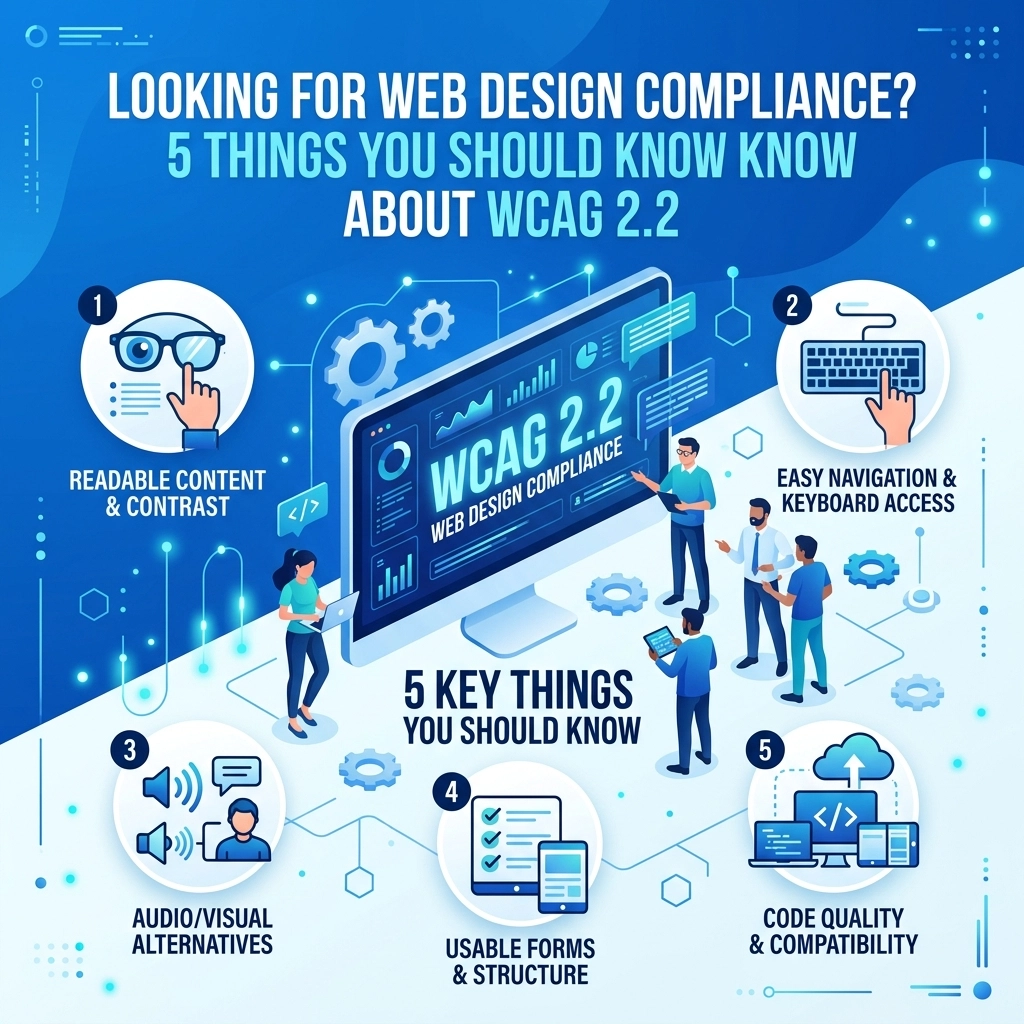

Web design standards change fast and staying compliant is a full-time job. You might have just got comfortable with WCAG 2.1 when the Web Content Accessibility Guidelines (WCAG) 2.2 arrived. This update is not just a minor tweak. It introduces nine new success criteria that change how we build and maintain websites for everyone. If you manage a business site or handle digital marketing you need to know what these changes mean for your brand and your users
Accessibility is about making sure every person can use your digital tools regardless of their physical or cognitive abilities. When a site is hard to navigate it drives customers away. Compliance is not just a legal requirement it is also a way to improve your overall user experience. At WorldWise we focus on building sites that work for everyone which you can see on our web design page
Here are five essential things you should know about WCAG 2.2 to keep your digital presence accessible and effective
1. There are Nine New Success Criteria to Master
WCAG 2.2 does not replace previous versions like 2.1 or 2.0. It adds to them. There are nine new requirements designed to fill gaps found in earlier versions. These focus heavily on three groups: users with cognitive or learning disabilities users with low vision and users with motor disabilities on mobile devices
The new criteria are divided into different levels of compliance: Level A (minimum) Level AA (mid-range and common for businesses) and Level AAA (the highest standard). Most businesses aim for Level AA to meet legal standards and provide a solid user experience. If you are looking for a deep dive into how these fit your business goals you should check out our strategy section
The nine criteria include things like redundant entry prevention and dragging movements. Each one aims to remove a specific barrier that stops someone from finishing a task on your site. If your site was built years ago it likely fails several of these new checks. Updating your site is a matter of looking at how people interact with forms and buttons

2. Focus Indicators and Target Sizes are Now Critical
One of the biggest problems for users who navigate with a keyboard or a switch device is losing their place. If you press the "Tab" key to move through a site a box or outline usually shows you where you are. This is a focus indicator. In WCAG 2.2 the rules for these indicators are much stricter
Criteria 2.4.11 (Focus Not Obscured) ensures that when an item gets focus it is not hidden by other things like sticky headers or pop-up banners. We see this problem often with "sticky" navigation bars that cover up content as a user tabs down the page. If the user cannot see where they are they cannot interact with your site. Another rule (2.4.12) requires that the focus indicator itself has enough contrast and size to be easily seen
Target size is another major update. Criteria 2.5.8 requires that interactive targets like buttons or links have a minimum size of at least 24 by 24 CSS pixels. This helps users with motor impairments who might struggle to click tiny icons packed close together. It also helps mobile users with larger fingers. Making your buttons bigger and giving them more space is a simple fix that improves usability for every single visitor
3. Cognitive Accessibility is Finally Getting the Attention it Deserves
For a long time accessibility focused mostly on visual or hearing impairments. WCAG 2.2 puts a much-needed spotlight on cognitive accessibility. This includes how people think remember and process information. Two new criteria change the game for forms and logins
Accessible Authentication (3.3.8 and 3.3.9) requires that you do not make users solve puzzles or remember passwords as the only way to log in. Cognitive function tests like "Identify all images with a bus" or "Solve this math problem" can be impossible for users with cognitive disabilities. To comply you must provide an alternative like copy-paste support or recognizing an object rather than remembering a complex code
Redundant Entry (3.3.7) is another big win for users. It states that if a user has already entered information in a process you should not make them enter it again. Think about a checkout process where you enter a shipping address. The site should automatically offer to use that same address for billing. This reduces the mental load and the chance for errors. We prioritize these kinds of smooth interactions in our web mobile development services

4. WCAG 2.2 is Fully Backward Compatible
The good news for site owners is that WCAG 2.2 is backward compatible. If your website meets the standards for WCAG 2.2 it automatically meets the standards for 2.1 and 2.0. This means you do not have to worry about which version to follow for different regulations. Aiming for the newest version is the safest way to ensure you are covered globally
However there is one catch. One criterion from WCAG 2.1 was removed in 2.2 because it was replaced by a better one. The "Parsing" requirement is gone because modern browsers now handle code errors much better than they used to. This simplifies things for developers and allows them to focus on the things that actually impact the user experience like dragging movements and consistent help
Consistent Help (3.2.6) is a new requirement that says if you provide help options like a chat bubble or a contact link they must be in the same place on every page. This helps users with cognitive issues find what they need without having to relearn your site layout on every click. It is a common-sense design rule that is now a formal requirement for compliance
5. Implementation is a Continuous Process Not a One-Time Fix
You cannot just "fix" accessibility once and forget about it. Every time you add a blog post update a product or change a header you risk breaking your compliance. Achieving WCAG 2.2 status requires a shift in how you think about your digital assets
Start with an audit. You need to know where your site stands right now. Use automated tools to find obvious errors but remember that tools cannot find everything. Manual testing by accessibility experts is necessary to see if a site is truly usable. For example a tool might tell you an image has "alt text" but it cannot tell you if that text actually describes the image accurately for a blind user
Once you have a list of issues you must prioritize them. Start with the "Level A" failures as these are the biggest blockers. Then move to Level AA to meet the standard for WCAG 2.2. After the initial fixes are done you need to train your team. Content creators need to know how to write accessible headings and developers need to know the latest standards for focus indicators. If you need ongoing help keeping your site updated our support team is always available to assist

Why You Should Care About Compliance Now
The legal landscape is shifting. Many countries and industries are moving toward requiring WCAG 2.1 or 2.2 as the legal minimum. Waiting until you get a legal notice is a risky and expensive strategy. Beyond the law accessibility is simply good business. An accessible site reaches more people and often performs better in search engine rankings because search engines value clear structure and fast mobile performance
When you build with accessibility in mind you are building a better product for everyone. Larger buttons help people on the go. Clearer forms help people who are tired or distracted. Better focus indicators help power users who prefer keyboards. It is a win for your brand and a win for your customers
If you are unsure if your current site meets the new WCAG 2.2 standards we can help you figure it out. From initial audits to full site redesigns we ensure your digital presence is modern compliant and effective. You can start the process today by visiting our get started page
Staying ahead of these changes shows your customers that you care about their experience. It builds trust and ensures that no one is left behind when they try to interact with your business online. Take the time to review these five points and look at your site through a new lens. You might be surprised at what you find and how much better your site could be with a few smart updates