

Data is the lifeblood of your business. If you lose your customer lists, financial records, or project files today, how long could you stay operational? Most business owners think they have a handle on this because they pay for a cloud subscription or have a hard drive plugged into a server.
The reality is that a backup plan is not the same as a recovery plan. Having data stored somewhere else is only half the battle. If that data is corrupted, inaccessible, or months old, it’s useless when a crisis hits. Cyber threats like ransomware have evolved to specifically target your backups first so you’re forced to pay the ransom.
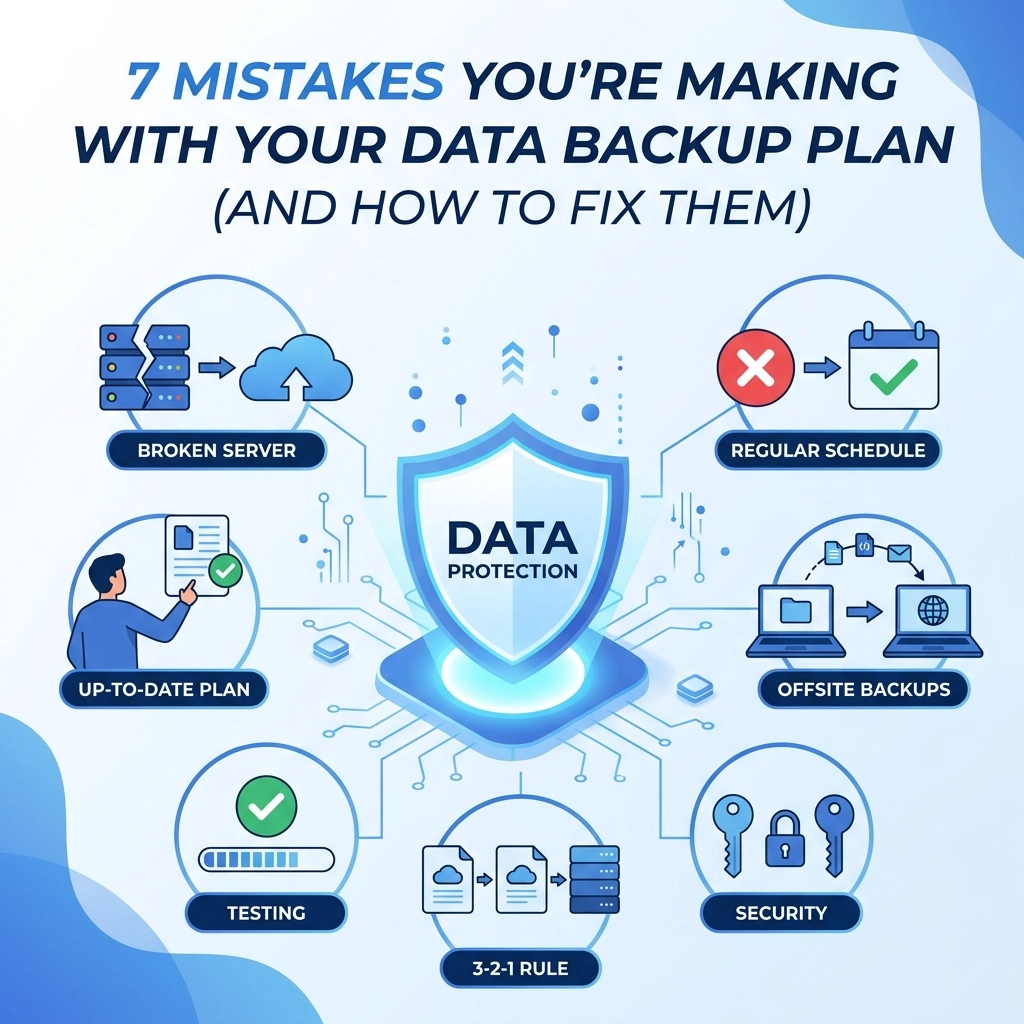
Here are the seven biggest mistakes we see businesses making with their data backup plans and exactly how you can fix them to stay protected
1. The "Set It and Forget It" Mentality
The most common mistake is assuming that because you set up an automated backup a year ago, it is still running correctly today. Backup jobs fail for dozens of reasons. A password might have changed, a local drive might be full, or a software update might have broken the connection.
If you aren't checking your backup logs regularly, you are flying blind. We have seen many businesses go to restore data after a crash only to realize the backup stopped working six months prior.
The Fix: You need to implement active monitoring. Don't just wait for a failure to happen. Set up email alerts that notify you when a backup succeeds or fails. Better yet, assign a specific team member to review a "Green Light" report every Monday morning. If you don't have the internal resources for this, our computer support team can manage this monitoring for you to ensure no gaps occur
2. Relying on a Single Backup Location
If all your backups are on a single external hard drive sitting next to your server, you aren't protected against physical disasters. A fire, flood, or simple theft could take out both your live data and your only backup at the same time.
On the flip side, relying only on the cloud can be a mistake too. If you have five terabytes of data and your office internet is slow, it could take days or even weeks to download everything you need to get back to work.

The Fix: Follow the 3-2-1-1-0 rule. This is the gold standard for data protection:
- 3 copies of your data (Production, Primary Backup, Off-site Backup)
- 2 different media types (e.g., Local Disk and Cloud)
- 1 copy off-site (Cloud or remote data center)
- 1 copy offline (Air-gapped or immutable storage)
- 0 errors after automated backup testing
This ensures that no matter what happens to your building or your network, a clean copy of your data exists somewhere else. You can learn more about how we structure these environments on our web hosting page
3. Forgetting About SaaS Data (Microsoft 365 and Google Workspace)
There is a massive misconception that because your data is in Microsoft 365, Google Workspace, or Salesforce, it is automatically backed up. It isn't.
These providers operate on a "Shared Responsibility Model." They guarantee the infrastructure and uptime of the service, but you are responsible for the data you put into it. If an employee accidentally deletes a folder or a malicious actor wipes your OneDrive, Microsoft generally cannot recover that data once it’s cleared from the recycle bin.
The Fix: Invest in a third-party backup solution specifically for SaaS applications. These tools create a separate, independent archive of your emails, SharePoint sites, and cloud files. This is a critical part of a modern digital strategy because so much business intelligence now lives outside your physical office
4. Failing to Test the Recovery Process
A backup is a promise, but a restore is the reality. Most businesses never actually try to recover their data until they are in the middle of a disaster. This is when they discover that the recovery process takes too long, or the files are unreadable.
If you haven't tested your recovery, you don't actually have a backup. You just have a collection of files that might work.
The Fix: Perform a "Fire Drill" at least once a quarter. Pick a random folder or a specific database and try to restore it to a different location. Measure how long it takes. Does it meet your Recovery Time Objective (RTO)? If your business can only afford to be down for four hours, but your restore takes twenty-four, your plan needs an upgrade. Testing should be a standard part of your support routine

5. Not Prioritizing Critical Data
Not all data is created equal. Your historical archives from ten years ago are not as important as your current accounts receivable database. When a system fails, you shouldn't be waiting for "low-priority" files to restore while your "high-priority" operations are at a standstill.
Treating all data the same often leads to bloated backup costs and slow recovery times.
The Fix: Categorize your data into tiers.
- Tier 1: Mission-critical (Must be restored in minutes)
- Tier 2: Important (Must be restored in hours)
- Tier 3: Archive (Can wait days)
By segmenting your data, you can spend your budget where it matters most: ensuring Tier 1 data is replicated in real-time or near-real-time. This level of planning is something we discuss during our get started consultations to align IT spend with business goals
6. Ignoring "Immutable" Backups
Ransomware has changed the game. Modern hackers don't just encrypt your server; they spend days inside your network looking for your backups so they can delete them. If they find your backup admin credentials, they can wipe out your entire safety net before you even know they are there.
If your backups can be deleted or changed by a user with administrative rights, they are vulnerable.
The Fix: Use immutable storage. This is technology that prevents data from being changed or deleted for a set period, even if someone has the admin password. It's like a digital "read-only" vault. Even if a hacker gains full control of your network, they cannot touch the immutable copies. This is a non-negotiable requirement for any modern cybersecurity plan
7. Lack of a Documented Disaster Recovery Plan
When a server dies or a cyberattack happens, panic sets in. If the only person who knows how to restore the data is on vacation or unavailable, your business is in trouble. Relying on "tribal knowledge" instead of written documentation is a recipe for disaster.
A backup plan isn't complete until it’s written down and accessible to those who need it.
The Fix: Create a formal Disaster Recovery (DR) document. It should include:
- Contact information for all key IT vendors
- Step-by-step instructions on how to access backup vaults
- A list of who has the authority to declare a disaster
- Hardware specifications needed for a temporary environment
Keep a digital copy in the cloud and a physical copy at your home or off-site. You can see how we document our own processes and capabilities in our Capabilities Statement

Summary of Actions
Protecting your business isn't about buying the most expensive software. It’s about building a consistent, tested, and resilient process.
Start by auditing your current setup. Check those logs today. If you find that your backups haven't run in a week, or you aren't sure if your Microsoft 365 data is protected, don't wait for a crisis to find out.
At WorldWise, we specialize in helping businesses navigate these technical challenges so they can focus on growth. Whether you need a more robust web design that integrates better with your systems or a full-scale IT audit, we are here to help.
Check out our portfolio to see the types of complex environments we manage or contact us today to start building a backup plan that actually works.