
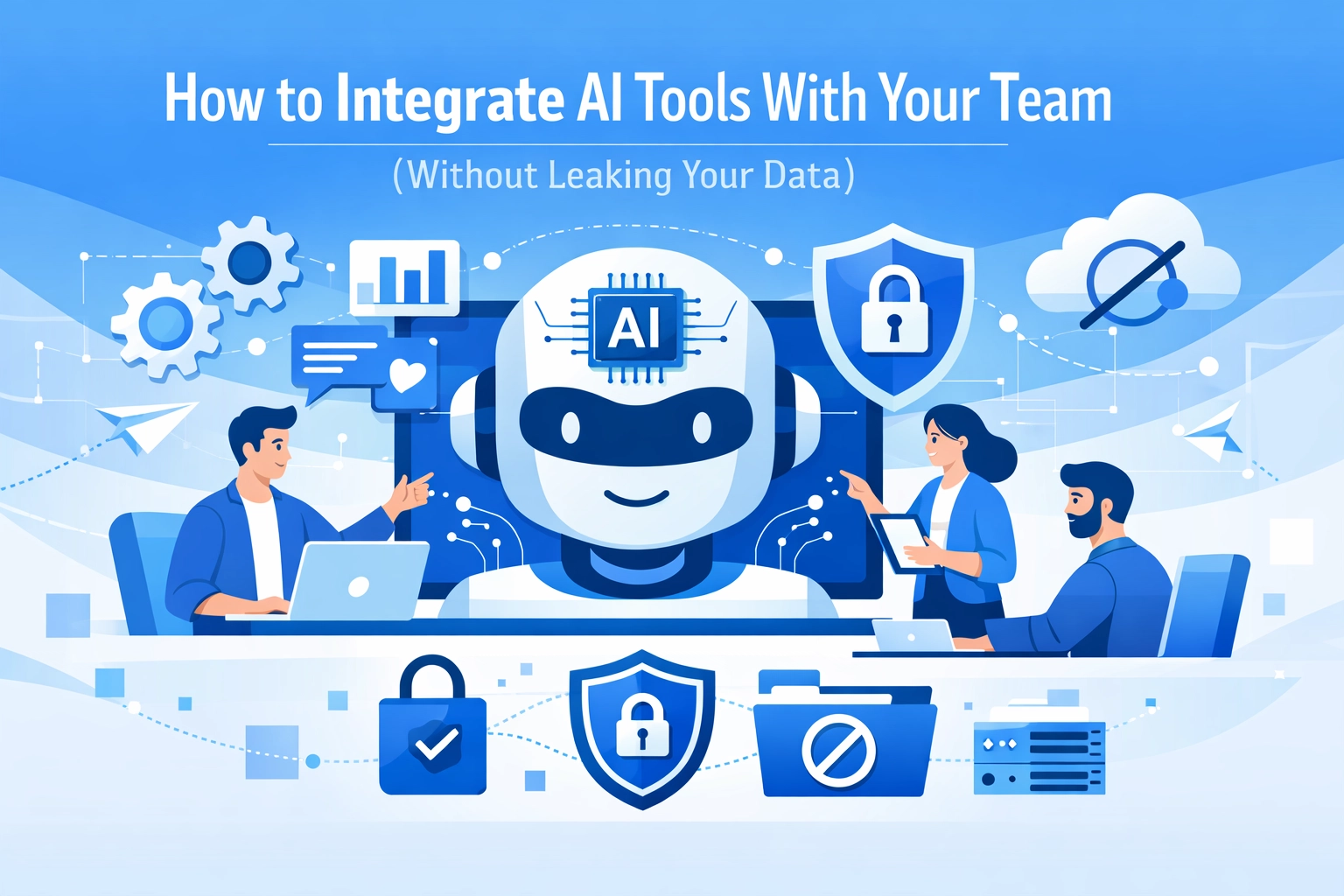

Everyone is talking about AI these days. You probably see it in your news feed every morning. Your employees are definitely seeing it too. In fact, there is a good chance some of your team members are already using tools like ChatGPT or Claude to write emails, summarize meetings, or even write code. While this is great for productivity, it creates a massive headache for security.
The biggest risk isn't just that the AI might get something wrong. The real danger is data leakage. When someone on your team pastes a sensitive client contract or a proprietary project plan into a public AI tool, that data might be used to train future versions of the model. Once that happens, you have lost control of your intellectual property.
You need a way to let your team use these powerful tools without putting your business at risk. This guide will walk you through how to build a safe bridge between your business data and AI.
Start With a Pilot Program
Don’t try to change your entire company overnight. That is how mistakes happen. Instead, start with a pilot program. Pick one department: maybe marketing or customer service: and give them a specific problem to solve with AI.
A pilot program lets you test the waters in a controlled environment. You can see how the team uses the tool and what kind of data they feel the need to input. By keeping the group small, you can monitor the process closely and catch potential security holes before they become company-wide disasters.
Focus on clear goals for this pilot. Are you trying to save time on emails? Are you trying to summarize long reports? Define what success looks like and document every step. If you need help setting up a roadmap for this, checking out our strategy page is a good place to start

Set Ground Rules for Data Governance
Before anyone logs into an AI tool, you need a plan for your data. This is what experts call data governance. It sounds fancy, but it really just means knowing what data you have, where it is stored, and who is allowed to touch it.
You should categorize your data into three levels:
- Public: Information that is already on your website or in press releases
- Internal: Information that is safe for employees but not for the public
- Restricted: Client data, financial records, and trade secrets
Make it a strict rule that restricted data never goes into a public AI tool. Period. You should also ensure your internal data is cleansed and organized. AI is only as good as the information you give it. If your data is a mess, the AI’s output will be a mess too.
Implement Strict Access Controls
You wouldn’t give a new hire the keys to your main server room on day one. AI tools should be treated with the same caution. Not everyone in your organization needs access to every AI capability.
Use role-based permissions to limit who can use which tools. For example, your marketing team might need access to an AI image generator, while your development team needs access to a coding assistant. By limiting access, you reduce the "attack surface" if an account is ever compromised.
Encryption is another non-negotiable. Ensure that any data being sent between your office and the AI provider is encrypted while it is moving and while it is sitting on a server. If you aren’t sure if your current setup is secure, our computer support team can help you audit your hardware and software connections
Use an API-First Approach
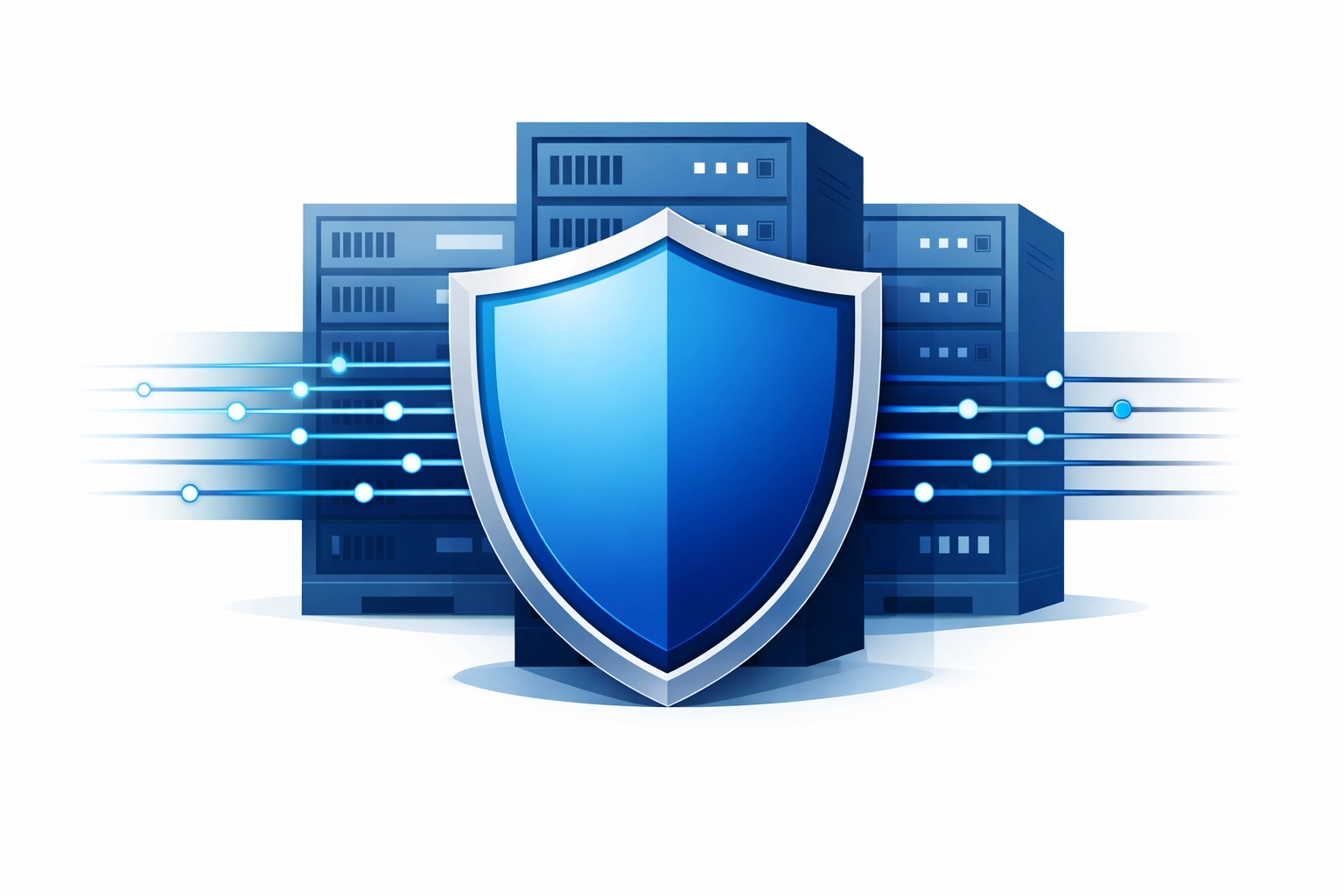
This is where things get a bit more technical, but it is the best way to stay safe. Instead of having your team use the "consumer" versions of AI tools: the ones you find at a standard .com address: you should use APIs (Application Programming Interfaces).
When you use an API to connect an AI to your business, you usually get better privacy terms. Most major AI providers promise that data sent through their API is not used to train their models. This creates a "secure tunnel" for your information.
Think of it like this: the consumer version is like a public park where anyone can see what you are doing. The API version is like a private meeting room in a secure building. You still get the benefits of the AI, but you keep the doors locked.
Ground the AI with Your Own Knowledge Base
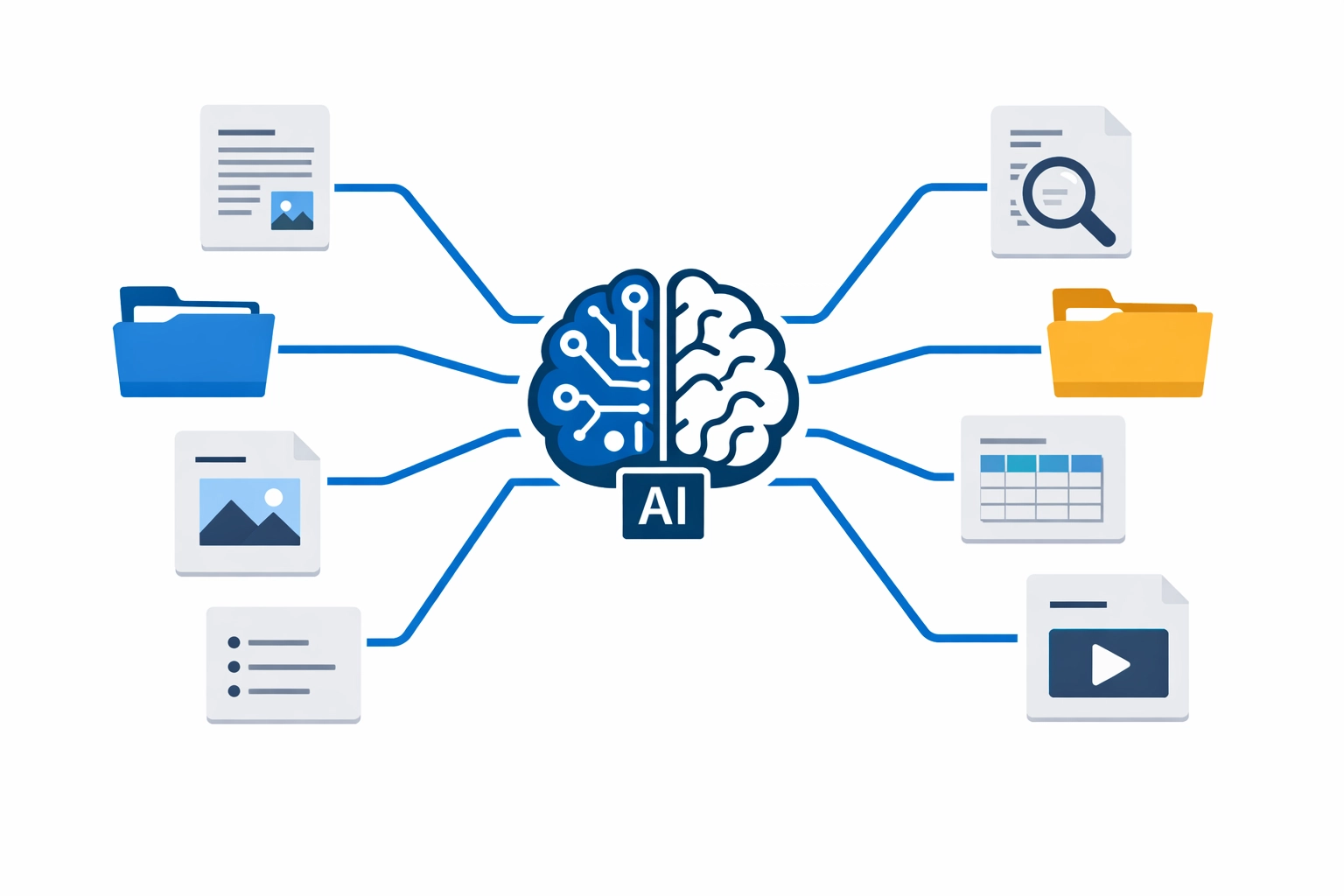
One of the coolest ways to use AI safely is a technique called Retrieval-Augmented Generation, or RAG. Instead of asking a general AI a question and hoping it knows the answer, you connect the AI to your own internal documents.
When an employee asks a question, the system looks through your private files first, finds the relevant information, and then gives that info to the AI to summarize. This keeps the AI "grounded" in your facts. It prevents the AI from making things up (hallucinating) and ensures that your proprietary data stays within your controlled environment.
This is especially useful for teams doing mobile app development or complex web projects where specific technical documentation is required.
Train Your Team on AI Literacy
Technology is only half the battle. The other half is people. Most data leaks happen because of a simple mistake, not a malicious hack. An employee might think they are being helpful by asking an AI to "fix this client's spreadsheet," not realizing they just uploaded thousands of private rows to a public server.
You need to run training sessions. Teach your team:
- What "training a model" actually means
- How to spot an AI hallucination
- Which tools are approved by the company and which are banned
- How to use "anonymization": replacing real names and numbers with fake ones before putting text into an AI
If your team understands the "why" behind the rules, they are much more likely to follow them.
Continuous Monitoring and Auditing
The AI world moves fast. A tool that was safe last month might change its terms of service today. You need to keep a constant eye on how these tools are being used in your office.
Set up a system for regular audits. Check the logs. See what kind of prompts are being sent. If you see someone getting close to the line, use it as a teaching moment. Regular monitoring helps you stay ahead of potential threats and ensures you are staying compliant with laws like GDPR or CCPA.
If managing all of this sounds like a full-time job, that’s because it can be. Many business owners choose to work with a partner to handle the technical heavy lifting. You can see some of our past work in our portfolio to see how we handle complex digital integrations.

Choosing the Right Partners
Not all AI tools are created equal. Some are built for teenagers to play with, and others are built for enterprise-level security. When you are looking for a tool or a developer to help you integrate AI, ask about their data protection policies first.
Do they offer a Data Processing Agreement (DPA)? Do they have SOC 2 Type II certification? If they can't answer these questions, they aren't ready for your business data.
At WorldWise, we focus on making sure your digital presence is both effective and secure. Whether it is web design or setting up complex marketing workflows, your data privacy is our top priority.
Final Thoughts on AI Integration
AI is a tool, just like a hammer or a computer. It can build something amazing, or it can cause a lot of damage if you don't know how to use it. By starting small, setting strict rules, and using the right technical guardrails, you can give your team a massive competitive advantage.
You don't have to choose between innovation and security. You can have both. It just takes a bit of planning and a commitment to protecting what you have built.
If you are ready to start using AI the right way, contact us today to talk about a plan that fits your business needs. We can help you navigate the technical side so you can focus on growing your company.