
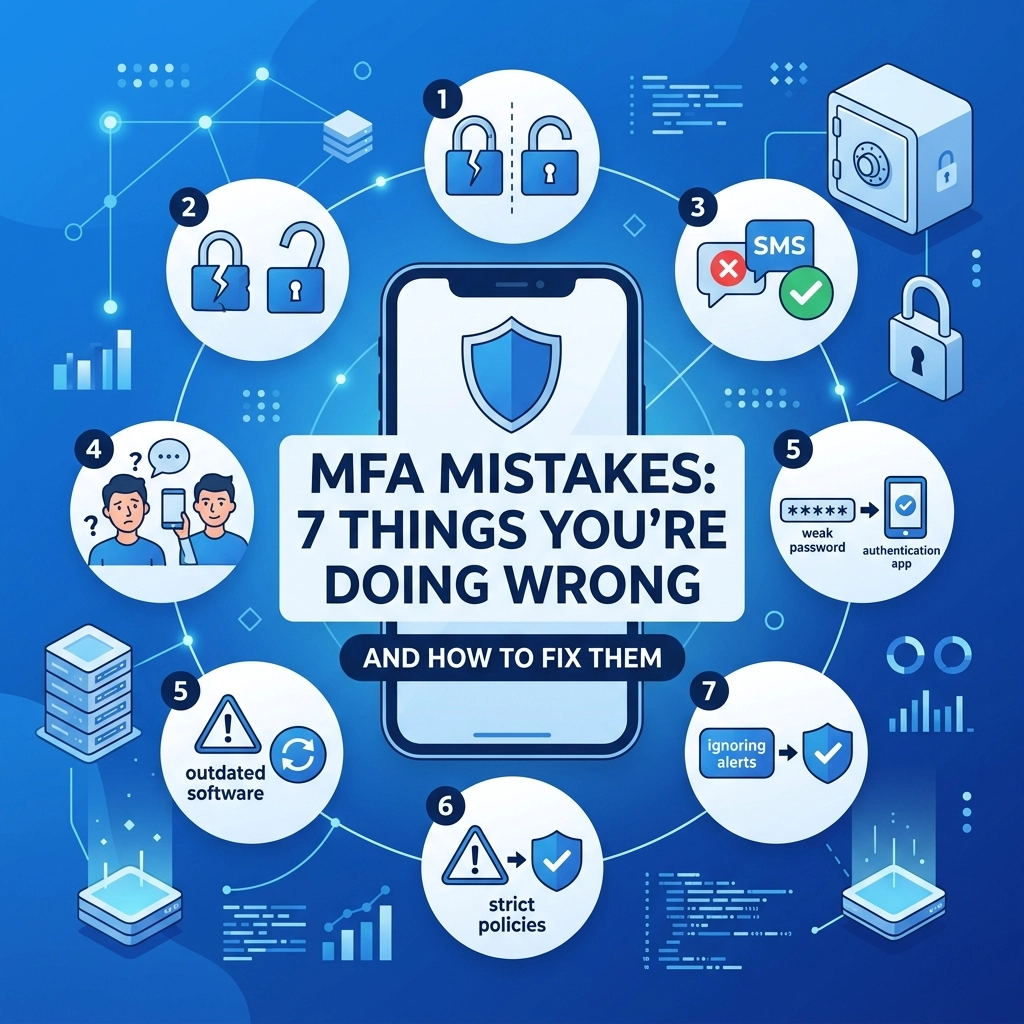

Multi-factor authentication (MFA) is one of the most effective tools in your cybersecurity arsenal but it is not a magic shield that works perfectly without effort Many businesses implement it and assume they are fully protected from every threat However hackers are constantly evolving their tactics to bypass these extra layers of security If you are not careful your MFA setup might be providing a false sense of security that leaves your data vulnerable to sophisticated attacks We have identified seven common mistakes that organizations make when deploying MFA and we have the solutions to help you strengthen your perimeter
1 Relying on SMS-Based MFA
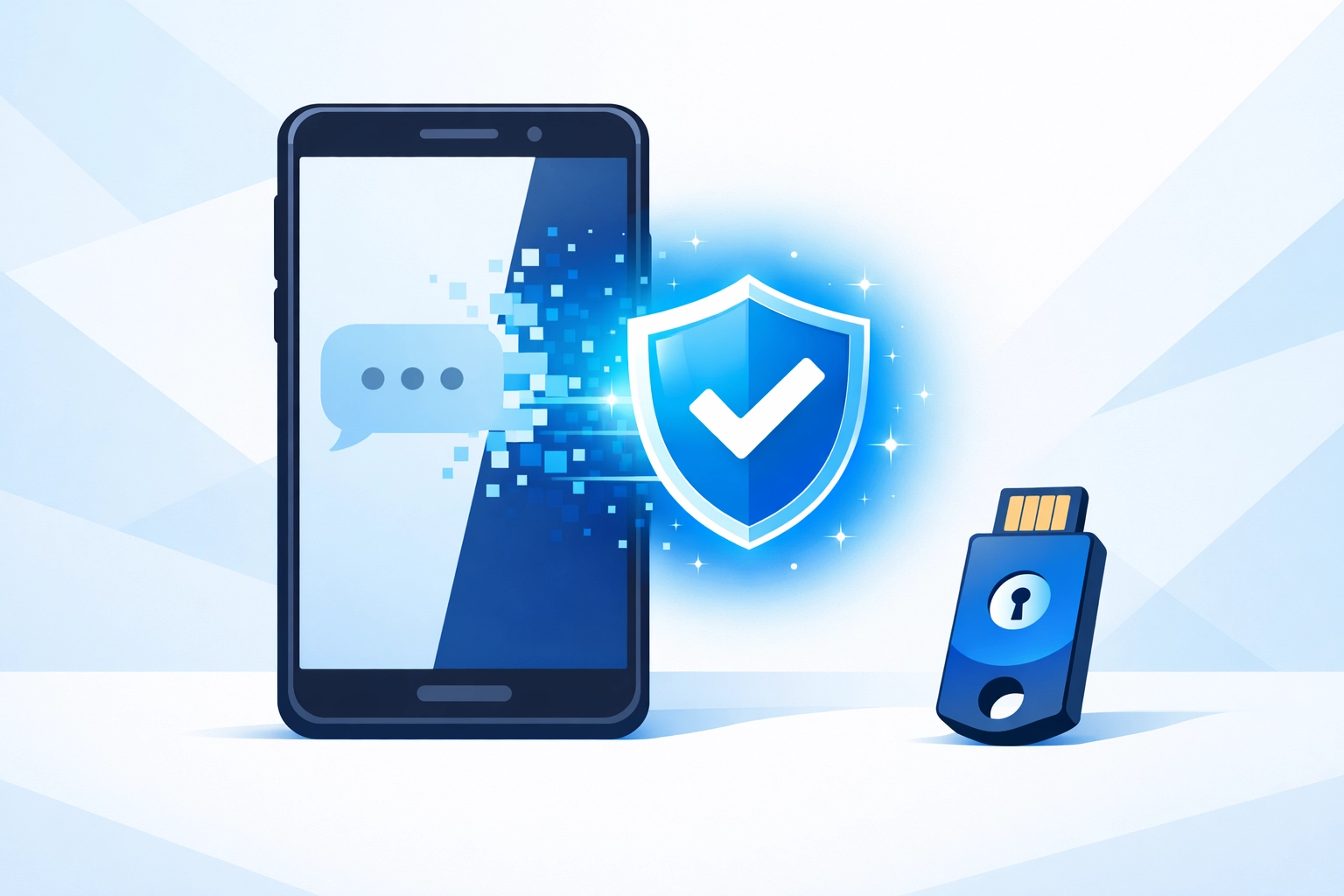
The most common mistake businesses make is using text messages as their primary second factor for authentication While SMS is better than nothing it is one of the weakest forms of MFA because it relies on the security of the cellular network Hackers use a technique called SIM swapping to take control of your phone number by tricking a mobile carrier employee into transferring your service to a device they control Once they have your number they can receive your login codes and bypass your security entirely
The fix for this is to move away from SMS and toward more secure methods We recommend using app-based authenticators like Google Authenticator or Authy because these generate codes locally on your device and do not rely on cellular signals For even higher security you can use hardware tokens like YubiKeys which require physical possession of a device to grant access Making this switch removes the risk of intercepted text messages and significantly improves your cybersecurity posture
2 Overlooking User Experience
Security that is too difficult to use will eventually be ignored or bypassed by your employees If your MFA process is cumbersome or slow users will find workarounds that compromise your safety We found employees often share passwords or stay logged into sessions for too long just to avoid the hassle of authenticating multiple times a day When the friction of security outweighs the perceived benefit your team becomes the weakest link in your defense strategy
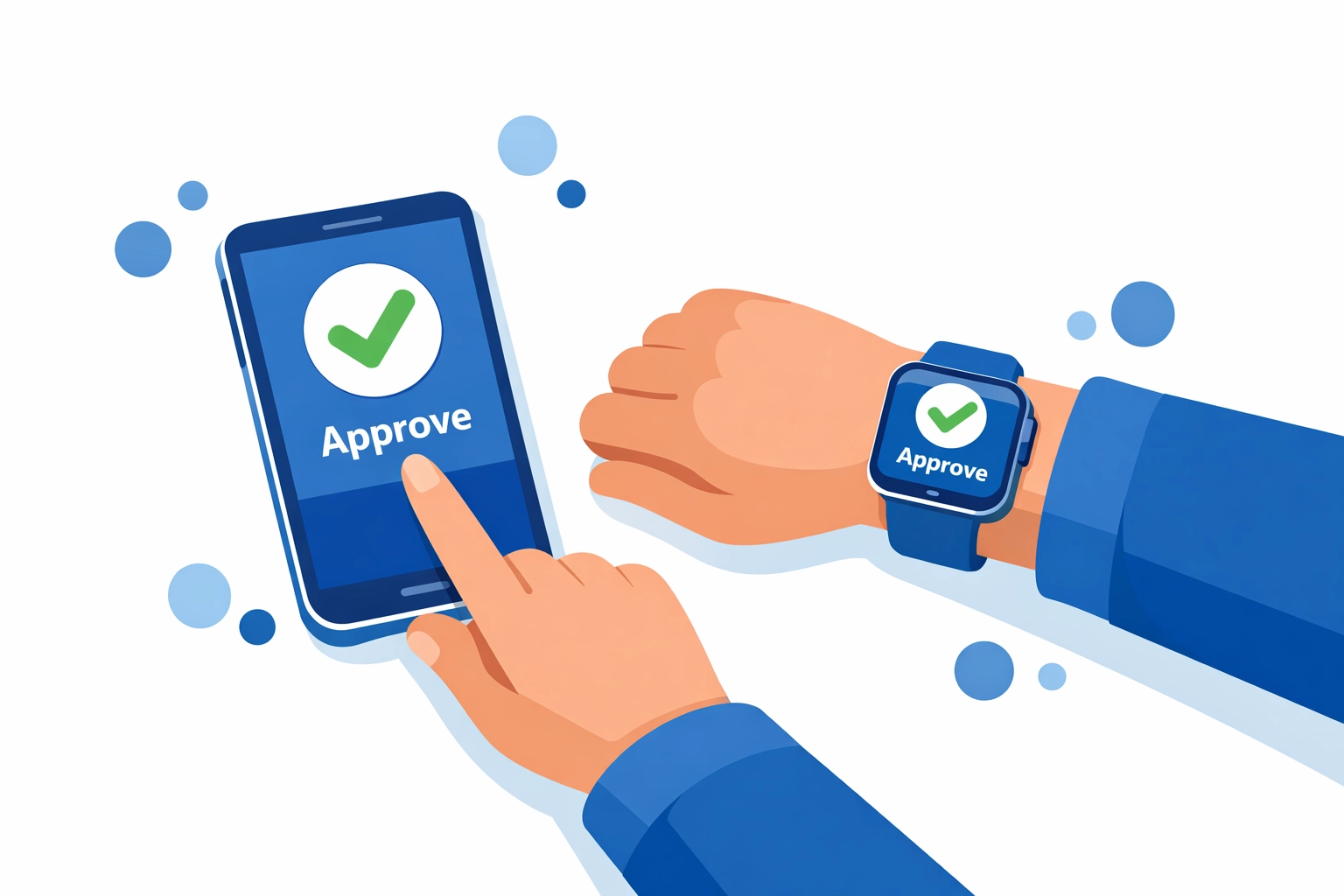
To fix this you must prioritize the user experience without sacrificing safety We suggest using push notifications instead of manual code entry because they allow users to approve a login request with a single tap Provide training sessions to help your team understand why MFA is necessary and how to use it efficiently If you need help designing a security workflow that your team will actually follow you can explore our strategy services to find a balance between usability and protection
3 Using MFA Only for "Important" Accounts
Many business owners only enable MFA for their email and banking accounts because they think those are the only targets worth protecting This is a dangerous oversight because hackers often look for the path of least resistance An unprotected social media account or a secondary cloud storage app can serve as a gateway into your entire network Once a hacker gains access to a minor account they can use the information found there to launch more targeted attacks against your primary systems
You must enable MFA on every account that supports it including project management tools CRM systems and social media platforms A comprehensive approach ensures that there are no "soft targets" for attackers to exploit If you are unsure which of your systems are currently vulnerable our team can provide computer support to audit your accounts and ensure every entry point is locked down
4 Inconsistent MFA Application Across Systems
A common mistake in larger organizations is having a patchwork of security policies where some departments use MFA and others do not This inconsistency creates gaps that attackers can identify and exploit during a breach If your remote workers are required to use MFA but your on-site staff is exempt a hacker who gains physical or local network access can move through your systems without being challenged Standardizing your security across the entire company is the only way to ensure total protection
The solution is to implement a unified MFA policy that applies to everyone regardless of their role or location Use a centralized identity provider to manage authentication for all your applications so that the rules are consistent everywhere Regular security audits are necessary to identify any new tools or systems that might have been added to your workflow without proper MFA configuration Consistency is the backbone of a strong cybersecurity strategy
5 Neglecting Backup and Recovery Options
Setting up MFA is great until a user loses their phone or a hardware token breaks Without a clear plan for backup and recovery you run the risk of permanent lockouts or significant downtime Organizations often forget to create "emergency keys" or secondary authentication methods for their administrators If the person holding the keys to your network gets locked out your entire operation could grind to a halt while you try to regain access
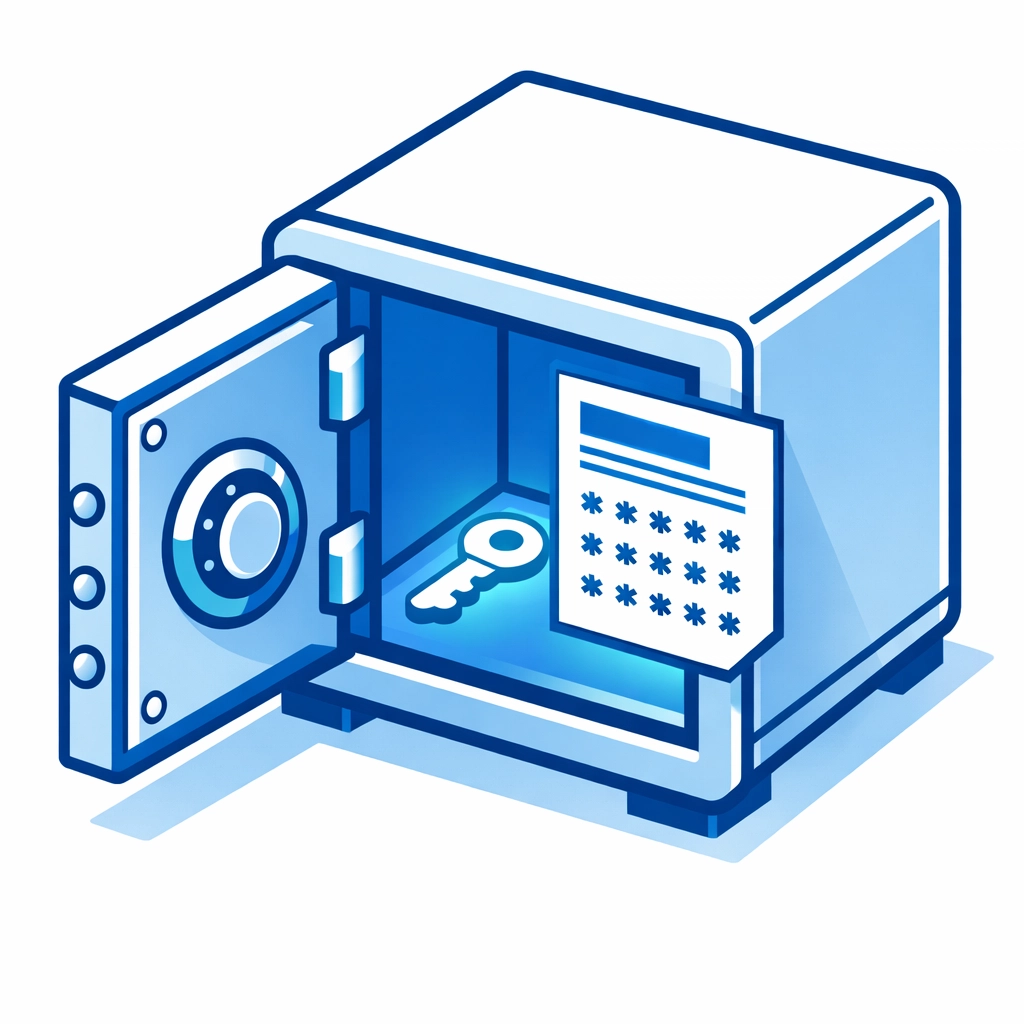
You should provide every user with a set of one-time-use backup codes that are stored in a secure physical location or a protected password manager Educate your staff on how to use these codes and ensure that your IT department has a verified process for identity recovery This prevents a lost device from becoming a business-ending event If you need a more robust infrastructure to handle these types of technical challenges you can check out our web hosting and support options

6 Not Verifying MFA Requests Before Approving
MFA fatigue is a real threat where attackers send a constant stream of push notifications to a user's device hoping they will eventually tap "approve" just to make the alerts stop We found many users approve these requests without thinking because they assume it is a glitch in the system or a delayed notification from an earlier login If you approve a request that you did not initiate you are hand-delivering your account access to a criminal
The fix for this is to implement number matching in your MFA settings This requires the user to look at a two-digit number on their computer screen and type that same number into the MFA app on their phone This simple step ensures that the person approving the login is the same person sitting at the computer It eliminates the risk of accidental approvals and completely shuts down MFA fatigue attacks Always verify the source of a request before you click any buttons
7 Using Weak or Reused Passwords Combined with MFA
Some people believe that MFA is so strong that they can go back to using simple or reused passwords This is a mistake because MFA is meant to be a second layer of defense not the only layer If a hacker gets your password through a data breach they are already halfway into your system They can then focus all their energy on social engineering or technical exploits to bypass your MFA If your password is "Password123" you are making the attacker's job much easier
You must maintain a strong password policy even after MFA is implemented Require unique and complex passwords for every single account and use a password manager to keep track of them This ensures that if one layer of your security fails the other is still there to protect you Combining strong passwords with robust MFA is the gold standard for modern cybersecurity If you want to build a more secure digital presence for your business you can get started with us today
Strengthening Your Digital Perimeter
Cybersecurity is an ongoing process that requires constant attention and updates Simply turning on MFA is a great first step but avoiding these seven mistakes is what separates a truly secure business from one that is just lucky Regularly audit your configurations and monitor for unusual login patterns to stay ahead of potential threats
If you find your current security setup is lacking or if you want to ensure your web presence is built on a foundation of safety we can help At WorldWise we specialize in creating secure and effective digital environments for businesses of all sizes You can learn more about our mission and our team on our about page or reach out directly through our contact page to discuss your specific needs Protect your data and your reputation by fixing your MFA mistakes before they become a problem