
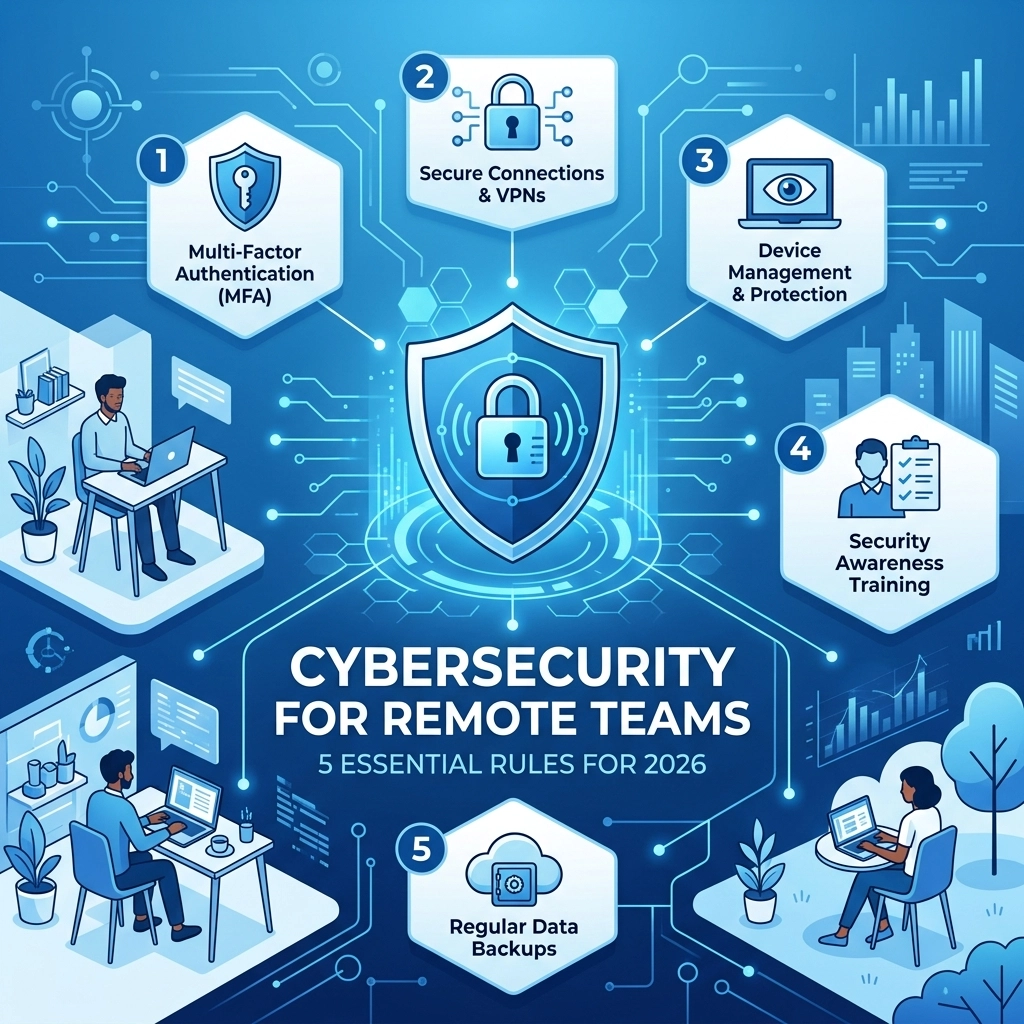

Remote work is standard practice in 2026 but the risks have changed. Hackers use sophisticated AI to target home offices and distributed teams. Your team might be working from a kitchen table or a coffee shop and your data needs to stay safe regardless of where they sit. A breach can cost your company its reputation and its revenue.
Protecting a remote workforce is more than just buying a VPN subscription. It requires a comprehensive approach to cybersecurity that covers hardware, software, and human behavior. This guide outlines the five essential rules you need to follow to keep your business secure this year.
1. Eliminate Password Dependency with Multi-Factor Authentication
Passwords are the weakest link in your security chain. In 2026, AI-driven brute force attacks can crack simple passwords in seconds. You must mandate Multi-Factor Authentication (MFA) across every single access point. This includes email accounts, cloud storage, and internal project management tools.
MFA requires a second form of verification. Even if a hacker steals a password, they cannot get into the account without the second factor. We recommend using hardware security keys or authenticator apps. Avoid using SMS-based codes because "SIM swapping" attacks allow hackers to intercept those text messages easily.
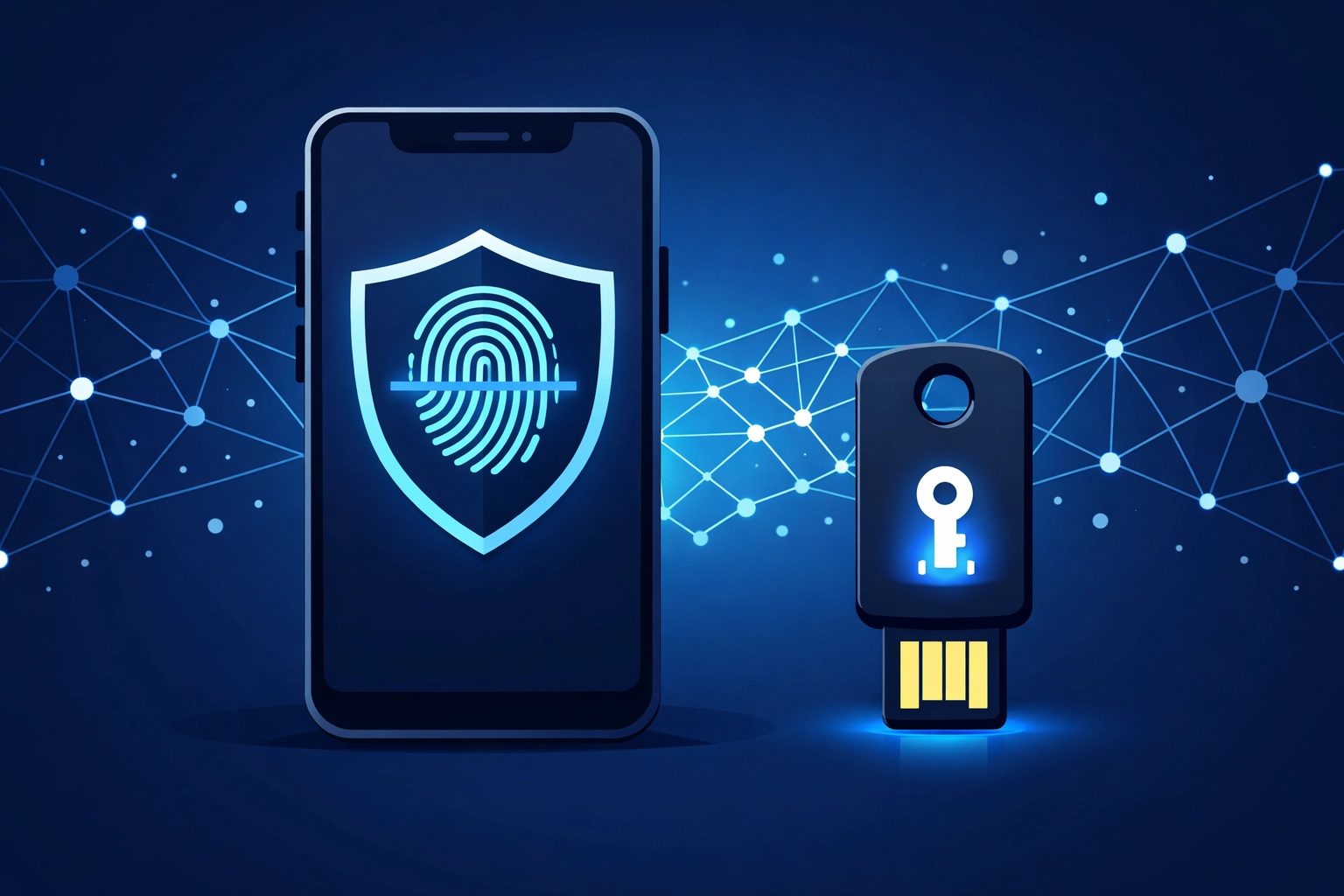
When you implement MFA, you create a barrier that stops most automated attacks. If you find your team is struggling with the setup, professional managed IT support can help streamline the rollout across all devices. This ensures everyone follows the protocol without causing technical roadblocks for your daily operations
Key actions for MFA:
- Enable FIDO2 hardware keys for high-level administrative accounts
- Disable legacy authentication protocols that bypass MFA
- Audit access logs weekly to find failed login attempts
- Provide a clear guide to employees on how to use their authenticator apps
2. Secure Every Endpoint with Advanced Detection
An "endpoint" is any device that connects to your network. This includes laptops, tablets, and smartphones. In a remote setup, you do not have physical control over these devices. You need Endpoint Detection and Response (EDR) solutions to monitor activity in real-time.
EDR software goes beyond traditional antivirus. It uses behavioral analysis to spot suspicious activity. For example, if a laptop suddenly starts encrypting files at 3 AM, the EDR system will flag and block that process immediately. This proactive approach is essential for modern cybersecurity.

You also need to enforce full-disk encryption. If an employee loses a laptop at an airport, the data should be unreadable without an encryption key. Use tools like Windows BitLocker or macOS FileVault. Managed IT support services can help you monitor these endpoints from a central dashboard so you always know which devices are compliant.
Essential endpoint rules:
- Mandate antivirus and EDR on all personal devices used for work
- Enable remote wipe capabilities for lost or stolen hardware
- Use centralized management to ensure encryption stays active
- Block unauthorized software installations on company-owned machines
3. Harden Home Networks and Use Controlled Access
Home networks are often less secure than office environments. Most employees use the default settings on their routers which makes them easy targets. You should provide a checklist for employees to secure their home Wi-Fi.
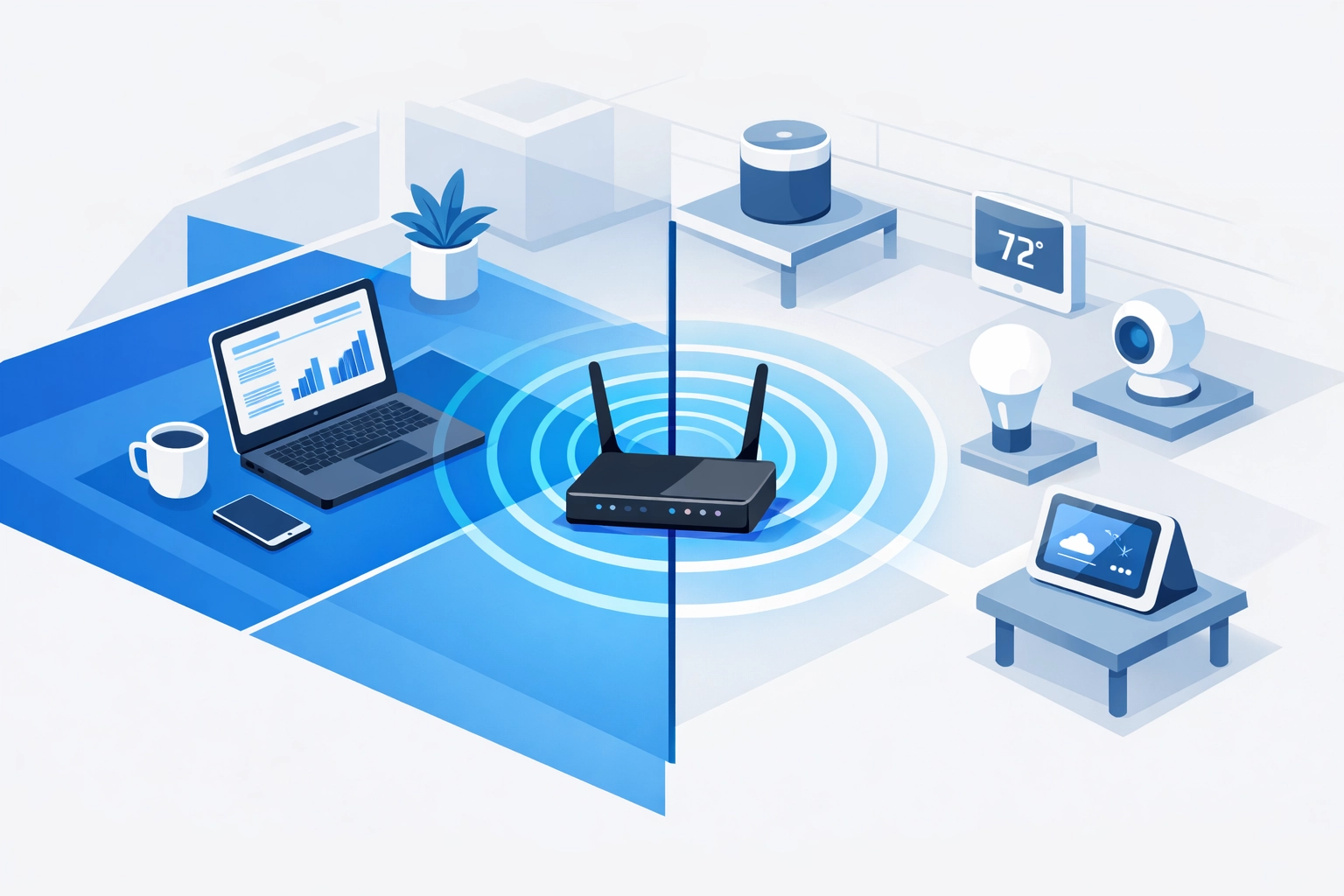
This includes changing default passwords, enabling WPA3 encryption, and creating a separate "Guest" network for work devices. By keeping work laptops on a separate sub-network, you prevent a compromised smart fridge or gaming console from giving a hacker access to company data.
For highly sensitive tasks, consider using a Virtual Desktop Infrastructure (VDI). This allows employees to log into a secure environment hosted on your servers. No data is actually stored on the employee’s local machine. You can also restrict access to specific static IP addresses to ensure only authorized locations can reach your internal systems.
Visit our computer support page to learn how to set up these secure access layers
Home network checklist:
- Change the default router admin password immediately
- Turn off SSID broadcasting if possible
- Enable automatic firmware updates on the router
- Use a wired connection instead of Wi-Fi for better security and stability
4. Automate Patching and Cloud Management
Software vulnerabilities are discovered every day. If your remote team is running outdated versions of Zoom, Slack, or Windows, they are at risk. You cannot rely on employees to click "update" manually. Most people will hit "remind me tomorrow" until it is too late.
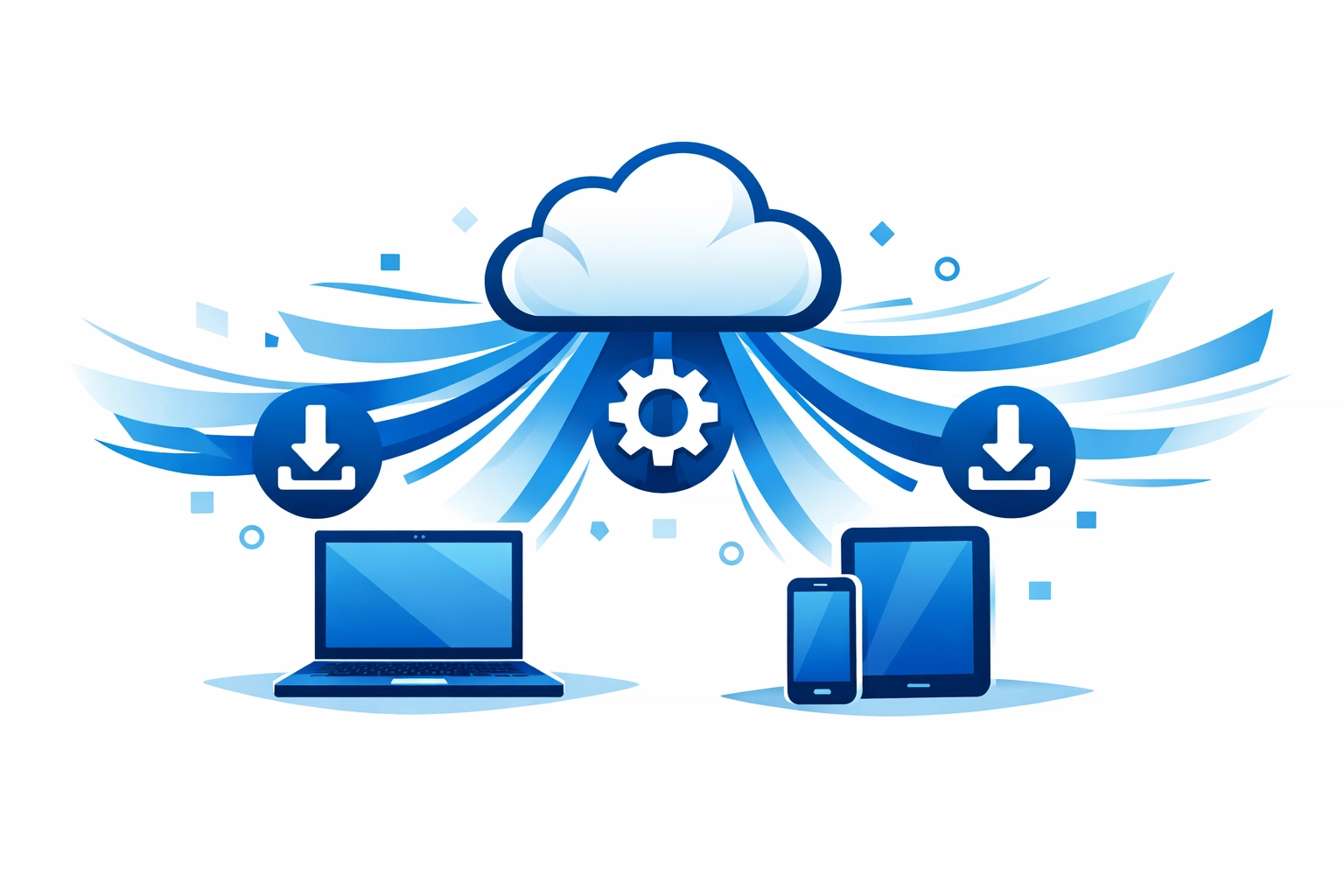
You need a cloud-based endpoint management system. This allows your IT team to push updates to every device simultaneously regardless of whether the user is on a VPN. Automatic patching ensures that critical security holes are plugged as soon as a fix is available.
Managed IT support is the most efficient way to handle this. Instead of one person trying to track 50 laptops, a professional team uses automation to keep everything current. This reduces the "attack surface" of your business by making sure no old bugs are left open for hackers to exploit.
Why automation matters:
- It eliminates human error in the update process
- Critical security patches are applied within hours of release
- You get a report of which devices are out of date
- It saves time for your employees so they can focus on work
5. Build a Culture of Security Training
Technology is only half the battle. The other half is the people using it. Most successful cyberattacks start with a phishing email. In 2026, these emails are incredibly convincing because they use AI to mimic the writing style of your colleagues or vendors.
Continuous security awareness training is mandatory. One-off training sessions during onboarding are not enough. You need to provide regular, short modules that teach employees how to spot the latest threats. This includes how to report suspicious emails and how to handle sensitive data in public spaces.
We suggest running simulated phishing tests. These tests send a fake "attack" to your employees to see who clicks the link. It is a safe way to identify who needs more training. Security should be a shared responsibility across the whole company.
Check out our strategy services to see how we integrate security into your overall business growth plan
Training focus areas:
- How to verify identity over phone or video calls
- Dangers of using public Wi-Fi without a VPN
- Proper disposal of physical documents at home
- Reporting procedures for suspected security incidents
Staying Ahead of the Threats
Cybersecurity is not a "set it and forget it" task. It is a constant process of monitoring and improvement. As your remote team grows, your security needs will grow too. Following these five rules will put you ahead of most small and medium-sized businesses that ignore these basic protections.
If you are unsure where to start, an audit of your current systems is the first step. You need to know where your vulnerabilities are before you can fix them. Protecting your remote team is an investment in your company’s future.
If you need help securing your remote workforce or want to discuss managed IT support options, get started here or reach out via our contact page
We can help you implement these rules and keep your business safe in 2026