
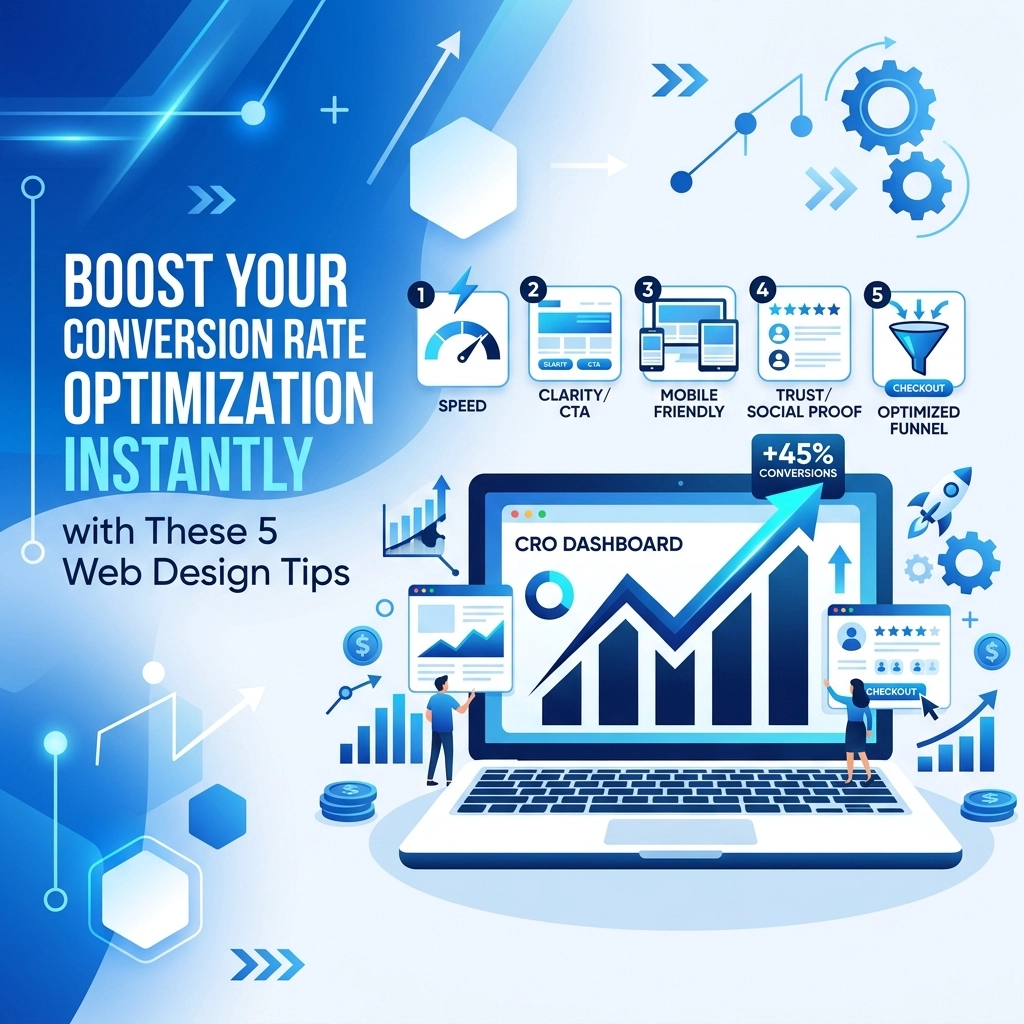

You have a website that looks good but does not produce results. This is a common problem for many businesses. Traffic is coming in but your phone is not ringing and your inbox is empty. The issue is likely your conversion rate optimization or CRO. Your web design is the biggest factor in whether a visitor becomes a customer or leaves forever.
Conversion rate optimization is the process of increasing the percentage of users who perform a specific action on your website. This could be buying a product, signing up for a newsletter, or filling out a contact form. Good design guides the user toward these goals without friction. If your site is hard to use or confusing, people will quit.
We found the most effective ways to fix this involve making small but smart changes to your layout and functionality. You do not always need a full redesign to see a jump in numbers. Often, it is about removing obstacles that stop people from saying yes.
1. Optimize Your Page Load Speed
Slow websites kill conversions before the user even sees your offer. Most people will wait less than three seconds for a page to load. If your site is sluggish, they will hit the back button and go to a competitor. This is a technical issue that has a direct impact on your bottom line.
Speed is also a major ranking factor for search engines. When your site loads fast, users feel more confident in your brand. A fast site feels professional and reliable. A slow site feels broken or outdated.
To fix this, you should look at your images first. Large unoptimized images are the main cause of slow load times. Use compression tools to reduce file sizes without losing quality. You should also look into lazy loading. This ensures that images only load when they are about to appear on the screen.

We suggest checking your hosting plan as well. If you are on a cheap shared server, your speed will always be limited. Moving to high-quality web hosting can provide an instant boost to your site performance. You can use tools like Google PageSpeed Insights to see exactly where your bottlenecks are.
Quick actions for speed:
- Compress all high-resolution images
- Enable browser caching
- Minify CSS and JavaScript files
- Use a Content Delivery Network or CDN
2. Master Visual Hierarchy and Whitespace
Your website should tell the user's eyes where to look. If every element on the page is fighting for attention, the user will get overwhelmed. This is called cognitive load. When the brain has to work too hard to figure out a website, it checks out.
Visual hierarchy is the arrangement of elements in order of importance. You do this through size, color, and placement. Your most important message should be the biggest and boldest thing on the page. Use whitespace: also known as negative space: to give those important elements room to breathe.
Whitespace is not "empty" space. It is a design tool that creates balance and makes content easier to read. When you surround a button or a headline with whitespace, you are highlighting it. You are telling the user that this specific piece of information matters.

A cluttered design makes your business look disorganized. A clean design with a clear hierarchy makes you look like an expert. Focus on the F-pattern for text-heavy pages. Users typically scan the top and then down the left side. Place your most vital information along those paths to ensure it gets seen.
Ways to improve hierarchy:
- Use larger fonts for headlines and smaller fonts for body text
- Use contrasting colors for key information
- Group related items together
- Avoid large blocks of text that look like a wall of words
3. Create High-Contrast Calls to Action
Your Call to Action or CTA is the most important button on your site. If users cannot find it, they cannot convert. A common mistake is making the CTA blend in with the rest of the brand colors. If your website is blue and your "Contact Us" button is also blue, it will go unnoticed.
You need your CTAs to pop. Use a high-contrast color that is not used anywhere else on the page. This creates a visual "stop" for the user. It draws the eye immediately. The text on the button matters just as much as the color. Avoid boring words like "Submit" or "Click Here"
Use action-oriented language that tells the user exactly what they get. Instead of "Submit," use "Get My Free Quote" or "Start My Trial" This creates a sense of value. It makes the user feel like they are gaining something rather than just giving away their information.

We found that placing CTAs in multiple locations is also helpful. Do not just put one at the very bottom. Put one in the hero section at the top, one in the middle of the page, and one in the footer. This ensures that no matter where the user is, they have a way to move forward. If you need help with a conversion strategy, our strategy team can help map out these touchpoints.
CTA best practices:
- Use a color that stands out from the background
- Keep the text short and action-oriented
- Make the button large enough to be easily clicked on a phone
- Ensure there is plenty of whitespace around the button
4. Simplify Your Navigation Menu
Many business owners want to put every single page of their website in the top menu. This is a mistake. When you give people too many choices, they often choose nothing at all. This is the paradox of choice.
Your navigation should be a roadmap to your most important pages. Limit your top-level menu to five or seven items. If you have more content than that, use a footer menu or sub-menus. The goal is to get the user to the information they need in as few clicks as possible.
Clear labels are better than clever ones. Use standard terms like "Services," "About," and "Contact" People are used to these terms. If you rename your services page to something cryptic like "Our Solutions Ecosystem," you will just confuse people. Confusion is the enemy of conversion.

We suggest using a "sticky" header. This means the menu stays at the top of the screen even when the user scrolls down. This makes it incredibly easy for them to jump to a new section or find the contact page whenever they are ready. It removes the friction of having to scroll all the way back to the top.
How to fix your navigation:
- Audit your current menu and remove low-traffic links
- Use breadcrumbs so users know where they are in the site
- Keep the search bar visible if you have a lot of content
- Check that your logo always links back to the homepage
5. Prioritize a Mobile-First Design
Most of your traffic is likely coming from mobile devices. If your site is just a shrunken-down version of your desktop site, you are losing money. Mobile users have different needs and behaviors. They are often on the go and have less patience.
A mobile-first approach means you design for the smallest screen first and then work your way up. This forces you to focus on the most essential elements. On a phone, buttons need to be big enough for a thumb to tap accurately. Text needs to be large enough to read without zooming.
Forms are especially difficult on mobile. If your contact form has 15 fields, a mobile user will likely give up. Keep your forms as short as possible. Use mobile-friendly input types, like showing a numeric keypad when a user needs to enter a phone number.

Your web design must be responsive. This means it automatically adjusts to fit any screen size. Test your site on multiple devices to ensure it looks and functions perfectly everywhere. If the mobile experience is frustrating, your conversion rate will suffer regardless of how good the desktop version looks.
Mobile-friendly checklist:
- Ensure buttons are at least 44x44 pixels
- Use a font size of at least 16px for body text
- Eliminate pop-ups that are hard to close on a small screen
- Test your site speed on a 4G connection
Summary of Action Steps
Improving your conversion rate is about making your website work for the user. Start by fixing your speed. If the site is slow, nothing else matters. Then, clean up your layout. Use whitespace and a clear hierarchy to guide the user's eyes toward your CTAs.
Make sure your buttons are easy to find and use high-contrast colors. Simplify your menu so people do not get lost. Finally, make sure the entire experience is flawless on a mobile phone. These steps will create a better user experience and lead to more business.
If you are not sure where to start, you can look at our portfolio to see how we have implemented these tips for other clients. Conversion rate optimization is an ongoing process. You should monitor your data and make adjustments regularly.
If you are ready to turn your website into a lead-generating machine, you can get started today. We can review your current site and identify the quick wins that will boost your conversions instantly. Small changes lead to big results when they are based on proven design principles.