

Ransomware is no longer a "maybe" for modern businesses. It is a "when." In 2026, hackers have become more sophisticated and their targets are no longer just large corporations. Small to medium-sized businesses are often preferred targets because their cybersecurity defenses are easier to breach. When your data is encrypted by a malicious actor, your entire operation grinds to a halt. You lose access to customer records, financial data, and the proprietary information that keeps your business running
The most effective defense is not just a firewall or an antivirus program. It is a robust data backup strategy. Specifically, the 3-2-1 backup rule remains the gold standard for ensuring that even if your primary systems are compromised, you can restore your business quickly. This post breaks down why this rule is essential and how you can implement it today
Understanding the Threat: Why Backup Matters More Than Ever
Cybercriminals have changed their tactics. In the past, ransomware would simply encrypt your files and demand a payment. Today, many hackers use "double extortion" where they steal your data before encrypting it and threaten to leak it if you do not pay. More importantly, they now actively look for your backups first. If a hacker can find and delete your backups, you have zero leverage and no way to recover without paying the ransom
This makes your cybersecurity posture dependent on how well you hide and protect your data copies. A single backup sitting on a hard drive plugged into your server is not enough. If the server gets hit, the backup drive gets hit too. That is why the logic of the 3-2-1 rule is so vital for survival

What is the 3-2-1 Backup Rule?
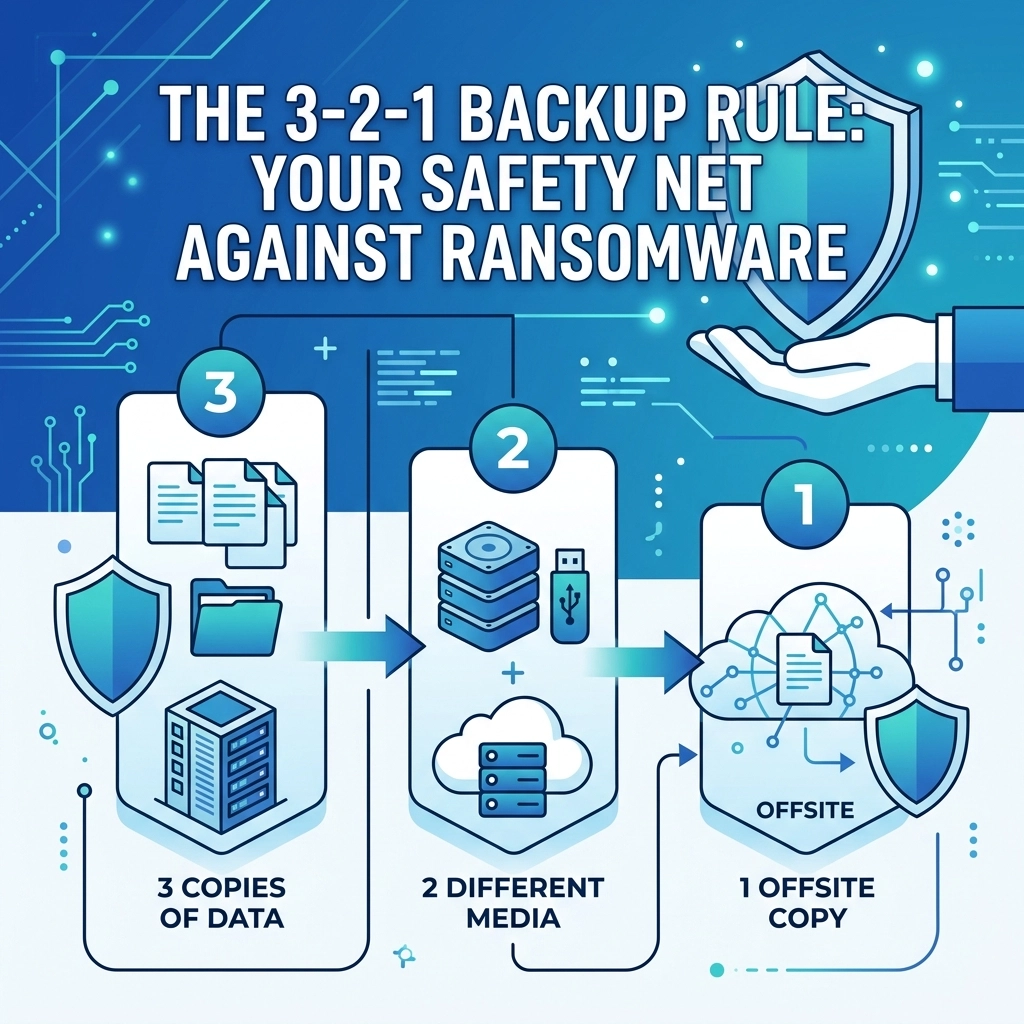
The 3-2-1 rule is a simple, easy-to-remember framework for protecting your data. It ensures that no single point of failure can destroy your information. The rule states that you should have:
- 3 copies of your data (the original and two backups)
- 2 different types of media (storage formats)
- 1 copy stored offsite
Let’s look at why each of these components is necessary for a modern business environment
3 Copies of Your Data
The first part of the rule is about redundancy. Having only one backup is risky. If that backup fails or becomes corrupted during the recovery process, you are back to square one. By maintaining at least three copies, your production data and two separate backups, you significantly decrease the statistical probability of losing everything. If one copy is corrupted and the original is encrypted by ransomware, you still have a third option to fall back on
2 Different Media Types
Using two different technologies to store your data protects you against hardware-specific failures. For example, if you store all your backups on the same brand and model of external hard drives, they might all fail around the same time due to a manufacturing defect.
Common media types include:
- Internal server drives or Network Attached Storage (NAS)
- Cloud storage services
- External hard drives or SSDs
- LTO Tape (still used by many for long-term archiving)
By splitting your backups between, say, a local NAS and a cloud-based service, you ensure that a local hardware failure doesn't wipe out your entire recovery plan
1 Copy Offsite
This is the most critical step for protection against physical disasters. If your office suffers a fire, flood, or theft, all the local copies in the world won't help you. "Offsite" used to mean a physical drive taken to a bank vault. Today, it almost always means the cloud. Having data stored in a geographically separate data center ensures that your business can be rebuilt even if your physical location is destroyed
For businesses looking to secure their infrastructure, checking out our computer support services is a great first step toward setting up these systems correctly
Why the Traditional 3-2-1 Rule is Changing
While the 3-2-1 rule is a great foundation, the landscape of 2026 requires an update. Ransomware is now "backup-aware." Modern malware is designed to sit dormant on your network for weeks, spreading quietly to every connected device. It looks for backup software credentials and tries to delete the archives before it ever triggers the encryption on your main files
If your offsite copy is "hot", meaning it is constantly connected to your network, the ransomware can reach out and encrypt that too. This has led to the evolution of the rule into what experts call 3-2-1-1-0
The Evolution: The 3-2-1-1-0 Rule
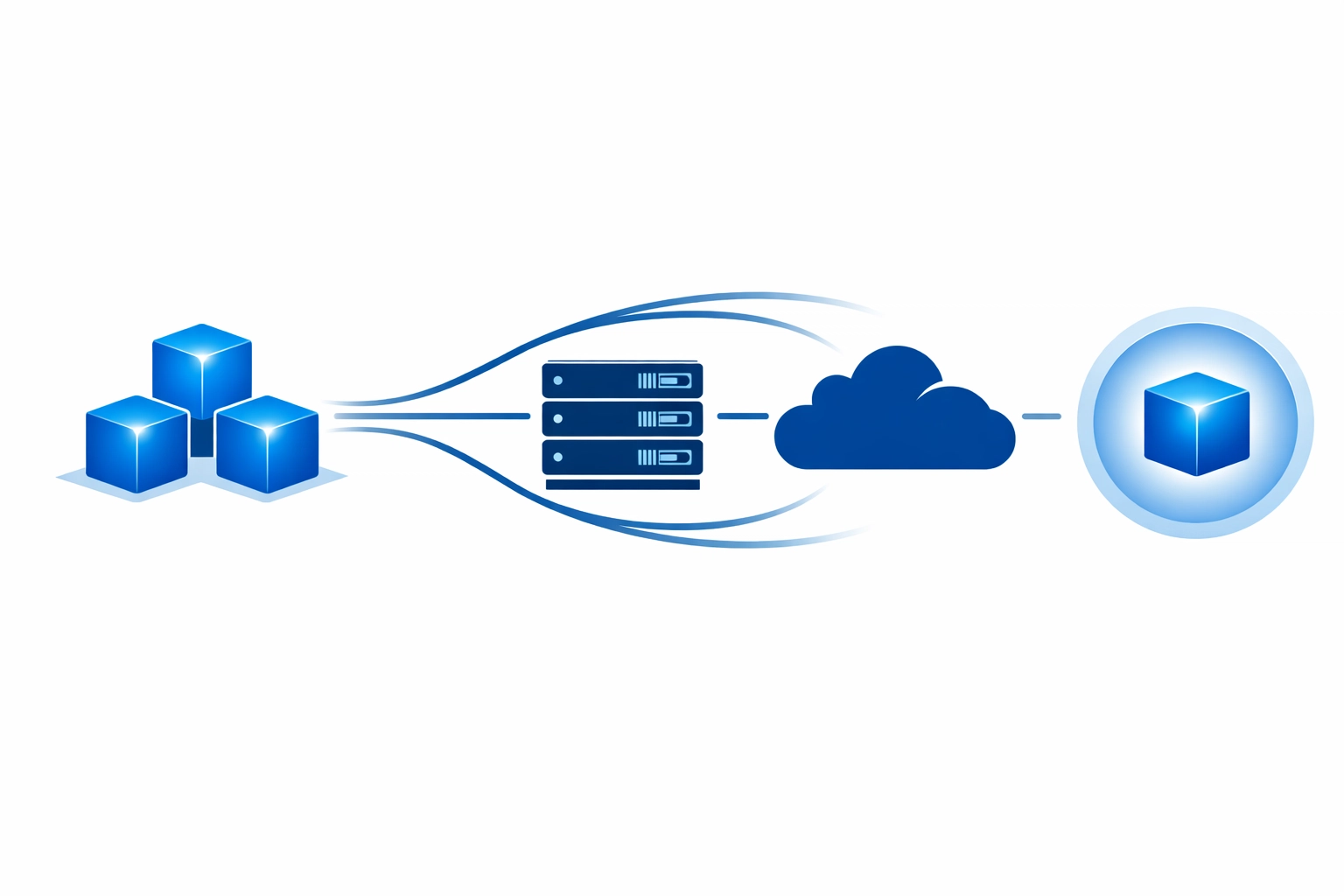
To combat modern ransomware, we suggest adding two more layers to your strategy:
- 1 Immutable Copy: An immutable backup is a file that cannot be changed, deleted, or encrypted for a set period. Even if a hacker gets your admin credentials, they cannot touch these files. This is often achieved through "Object Lock" technology in cloud storage
- 0 Errors: This refers to automated backup verification. A backup is only useful if it actually works. You need a system that automatically tests your backups and ensures there are zero recovery errors before you actually need them
Implementing the Strategy in Your Business
Setting this up might seem complicated, but it follows a logical flow of problem identification and action. You found that your current data is vulnerable, so we suggest the following steps:
Step 1: Inventory your data
Identify what is mission-critical. This includes your website files, customer databases, and financial records. If you are worried about your web presence, our web hosting services provide high-security environments for your online assets
Step 2: Set up local redundancy
Invest in a high-quality NAS or a dedicated backup server. Configure your local machines to back up to this device daily. This provides a fast recovery option if someone accidentally deletes a file or a single computer fails
Step 3: Connect to the Cloud
Use a professional cloud backup service that supports immutability. Ensure this service is separate from your primary work environment (like Google Workspace or Microsoft 365) so that a compromise in one doesn't lead to a compromise in the other. You can learn more about how we integrate these strategies on our strategy page
Step 4: Test the recovery
Every quarter, try to restore a random set of files. If you can't restore it, you don't have a backup. You just have a false sense of security

The Role of Cybersecurity in Digital Marketing
You might wonder why a company focused on web design and marketing cares so much about backups. The truth is that your digital reputation is tied to your availability. If your website is taken down by ransomware and you have no backup, you lose your search engine rankings, your customer trust, and your revenue overnight. We integrate cybersecurity best practices into everything we do, from web design to mobile app development. A secure business is a growable business
Quick Checklist for Ransomware Resilience
To make sure you are protected, follow this utilitarian guide:
- Does your backup software require multi-factor authentication (MFA)? It should
- Are your backups isolated from the main network (air-gapped)?
- Do you have a "clean room" or a way to scan backups for malware before restoring them?
- Is there a clear person in your company responsible for checking backup logs every morning?
If you answered "no" to any of these, your safety net has holes
Final Thoughts on Data Safety
The 3-2-1 backup rule is your primary insurance policy against the chaos of a ransomware attack. It is not just about having the data; it is about having the data in the right places and in the right formats. Protecting your business requires a proactive approach rather than a reactive one
If you aren't sure where to start or if your current setup is actually working, we are here to help. You can reach out to us via our contact page or start a conversation about your specific needs through our get started form. We can help you build a system that keeps your data safe and your business running no matter what the hackers try next
Don't wait for the ransom note to realize your backups were insufficient
Take action today and secure your company's future