
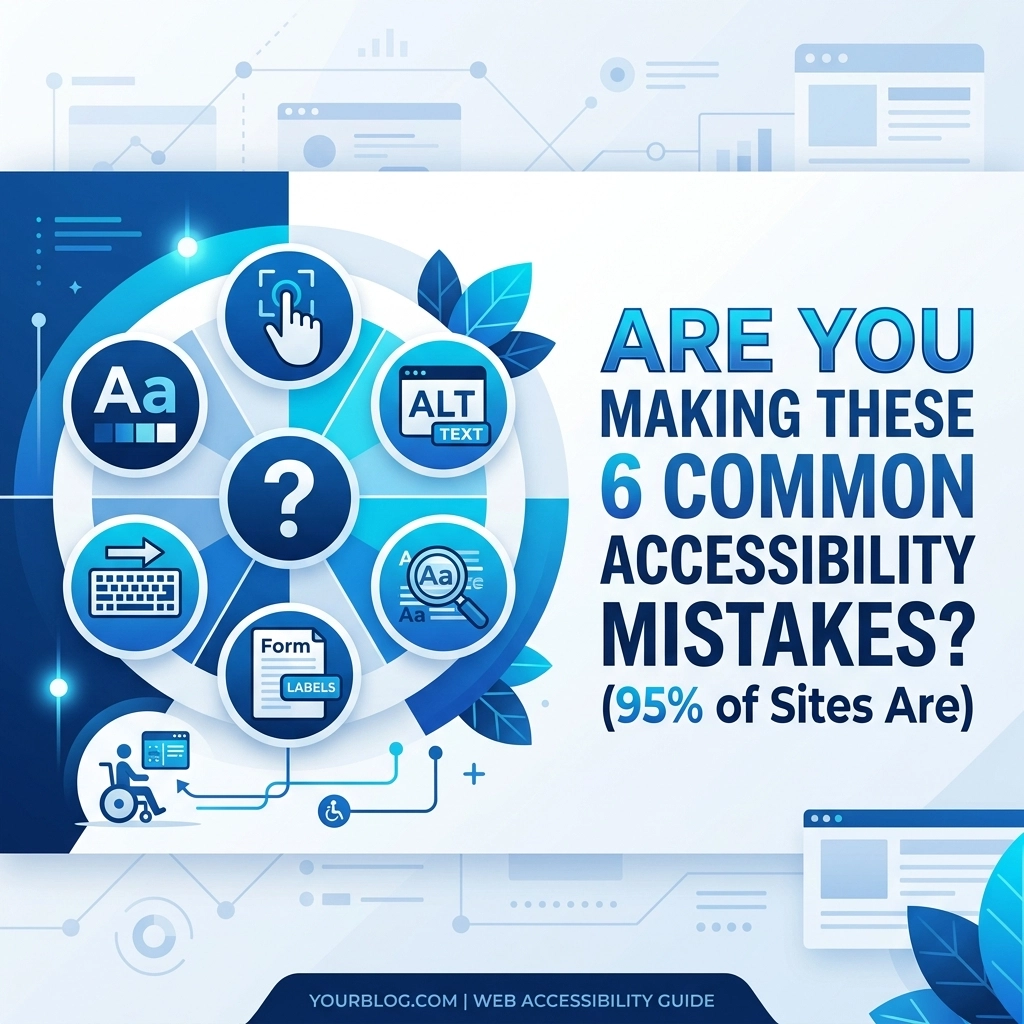

Digital accessibility is no longer a luxury or a niche concern for government agencies. In 2026, it is a core component of high-performance web design. According to the latest WebAIM research, nearly 95% of the world’s top one million websites fail to meet basic WCAG 2 standards. If your website falls into this category, you are likely excluding a significant portion of your potential audience and exposing your business to unnecessary legal risk
At WorldWise, we prioritize inclusive design because a website that everyone can use is a website that converts. Being accessible means your content is available to people with visual, auditory, cognitive, or motor impairments. It also means your site performs better for older users and people in low-bandwidth environments. Designing for accessibility is simply best marketing strategy for a small business looking to maximize its reach
Why Accessibility Matters for Your Bottom Line
Before we dive into the mistakes, you need to understand the stakes. Inclusive design is not just about doing the right thing. It is a business imperative
First, there is the legal aspect. Laws like the Americans with Disabilities Act (ADA) and Section 508 are being enforced more strictly than ever. Lawsuits targeting inaccessible websites have surged, and no business is too small to be overlooked. Second, there is the SEO benefit. Google’s algorithms favor sites that are well-structured and easy to navigate. Many accessibility best practices: like proper heading hierarchy and alt text: overlap directly with SEO ranking factors. Finally, there is the market share. People with disabilities and their families represent billions in purchasing power. If they cannot navigate your site, they will find a competitor who has invested in a web design that values their experience

1. Low Contrast Text (79.1% of Sites)
The most common error found across the web is low-contrast text. This occurs when the color of the text is too similar to the color of the background. While light gray text on a white background might look "minimalist" to a designer, it is a nightmare for users with low vision or color blindness. It also makes your site unreadable for someone using a laptop in direct sunlight
The Problem:
Text that lacks sufficient contrast becomes illegible for a large demographic. This leads to higher bounce rates and lost conversions because users cannot read your value proposition or calls to action
Suggested Action:
Use a contrast checker tool to ensure your text meets the WCAG AA standard of at least 4.5:1 for normal text and 3:1 for large text. When we develop sites at WorldWise, we bake these checks into our web-mobile-development.php process to ensure readability across all devices
2. Missing Alternative Text for Images (55.5% of Sites)
Images are powerful tools for engagement, but they are invisible to screen readers unless they have alternative (alt) text. Alt text is a brief description of the image coded into the HTML
The Problem:
If an image is missing alt text, a screen reader may skip it entirely or, worse, read out the file name like "IMG_5678.jpg" aloud. This provides zero value to the user and disrupts the flow of information
Suggested Action:
Every informative image on your site must have descriptive alt text. If an image is purely decorative, it should have an empty alt attribute (alt="") so screen readers know to ignore it. Never use "image of" or "picture of" in your description; just describe the content. This practice also helps your images show up in Google Image search, driving more traffic to your marketing funnels

3. Missing Form Input Labels (48.2% of Sites)
Forms are the primary way users contact you, sign up for newsletters, or make purchases. If your forms are not accessible, your business cannot grow
The Problem:
Many modern designs use "placeholder" text inside the field instead of a permanent label. Once a user starts typing, the placeholder disappears. For users with cognitive disabilities or short-term memory issues, this makes it hard to remember what information was requested. Additionally, screen readers often fail to associate placeholders with the input field correctly
Suggested Action:
Ensure every form field has a visible, permanent label. Use the
4. Empty Links (45.4% of Sites)
A link is only useful if the user knows where it goes. An empty link is a link tag that contains no text, or a link where the text is replaced by an icon without a label
The Problem:
When a screen reader encounters a link that just says "Click Here" or "Read More," it lacks context. If a user is navigating via a list of links, they will hear a series of "Click Here" announcements and have no idea which one leads to your about.php page and which leads to a product
Suggested Action:
Use descriptive link text that explains the destination. Instead of "Click Here," use "View our Web Design Portfolio." If you use an icon for a link (like a social media logo), ensure there is hidden text or an aria-label that describes the link's purpose

5. Empty Buttons (29.6% of Sites)
Similar to empty links, empty buttons are a major hurdle for navigation. This often happens with "Search" buttons that only use a magnifying glass icon or "Menu" buttons that use the hamburger icon without any underlying text
The Problem:
Without a label, a button is just a "button" to a screen reader. The user knows it is an interactive element but has no clue what action it performs. This is a critical failure point in the user journey, particularly for mobile-apps.php and responsive web views
Suggested Action:
Add a text label to every button. If you prefer a clean look without visible text, use an aria-label in the code. This allows the screen reader to say "Search" while the visual user only sees the icon. Testing these interactions is a standard part of our support and maintenance protocols
6. Missing Document Language (15.8% of Sites)
This is one of the easiest mistakes to fix, yet it persists on over 150,000 of the top million sites
The Problem:
Screen readers use the "lang" attribute in the HTML tag to determine which language profile to use for speech synthesis. If the language is not specified, the software might use the wrong accent or pronunciation, making your content nearly impossible to understand
Suggested Action:
Ensure your developer includes the lang="en" (or the appropriate language code) in the tag of every page. It is a one-second fix that significantly improves the experience for international users and those using assistive technology

The WorldWise Approach to Inclusive Design
At WorldWise, we do not treat accessibility as an afterthought. We build it into the foundation of every project. Whether we are handling web-hosting.php or complex computer-support.php, we understand that technical excellence requires inclusivity
Our team focuses on three pillars of accessible design:
- Responsive Layouts: We ensure your site works perfectly on every screen size, from desktop to mobile. This is essential for users who use zoom features to read text
- Keyboard Navigability: Many users do not use a mouse. We ensure all interactive elements can be reached and activated using only the "Tab" and "Enter" keys
- Focus States: When a user tabs through your site, they need to see where they are. We design clear, high-contrast focus outlines so no one gets lost in the interface
We have seen firsthand how improving accessibility boosts conversion rates. When a site is easy to use, everyone stays longer, clicks more, and buys more. You can see examples of our work in our portfolio.php or read our Capabilities-Statement.pdf to see how we handle professional digital infrastructure
How to Test Your Website Today
You do not need to be a developer to start checking for these mistakes. You can begin with these simple steps:
- The Tab Test: Try to navigate your entire homepage using only the Tab key. Can you see where the focus is? Can you open menus and click buttons?
- Automated Tools: Use a tool like WAVE or Lighthouse (built into Chrome) to scan for low contrast and missing alt text
- Color Blindness Simulation: Use a browser extension to see how your site looks to someone with different types of color vision deficiency
If these tests reveal issues, it is time for a professional audit. Ignoring accessibility is a gamble that your business does not need to take

Conclusion
The data shows that 95% of websites are failing their users. This is a massive opportunity for your business to stand out by being part of the 5% that gets it right. Inclusive design is better design. It leads to better SEO, better user engagement, and a more professional brand image
If you are ready to ensure your website is compliant, conversion-focused, and accessible to everyone, we are ready to help. You can contact.php our team for a consultation or get-started-min.php on a project that puts your users first
Let’s build a web that works for everyone